




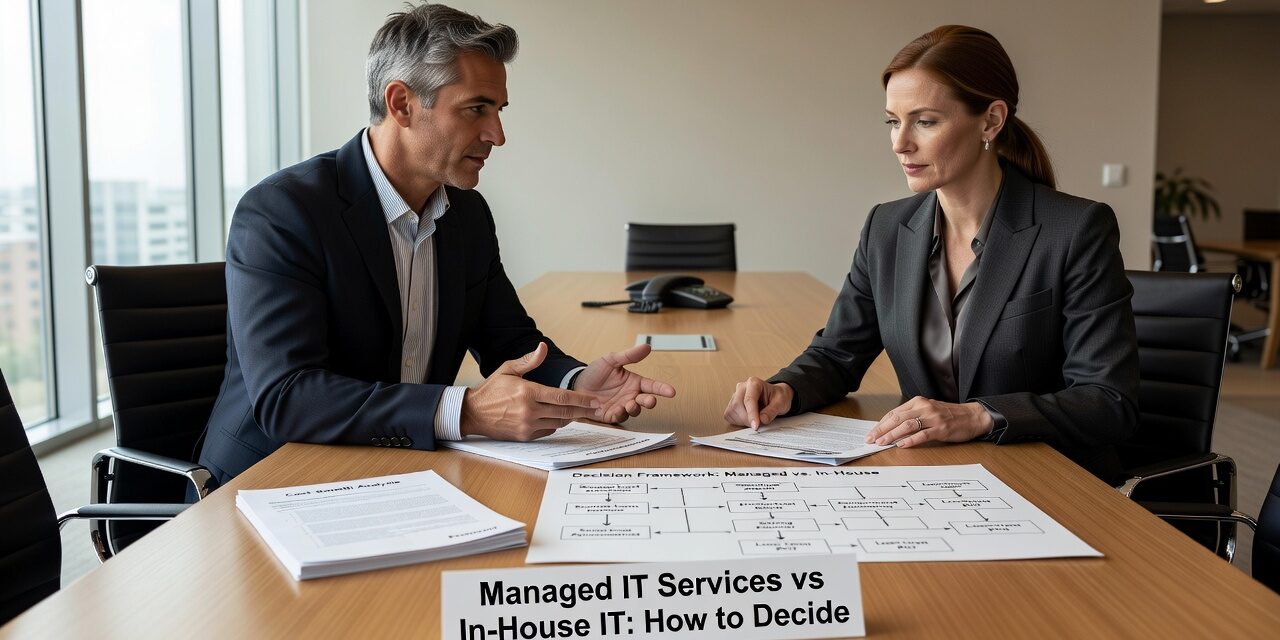
Choosing between managed IT services vs in-house IT is one of the more consequential decisions a growing business can make—and it rarely gets the careful analysis it deserves. Most companies either default to hiring internally because it feels more controllable, or they outsource everything without thinking through what that actually means day to day. Neither approach is automatically right.
This guide breaks down how to think about the decision honestly, including the scenarios where each model works, where it breaks down, and what a hybrid approach actually looks like in practice.
What You’re Really Comparing
When most business owners think about in-house IT, they picture one or two dedicated staff members who know the office, know the systems, and are physically present when something goes wrong. That’s a reasonable picture—but it’s incomplete.
A single in-house IT person typically costs $65,000–$85,000 per year in salary alone, before benefits, training, turnover, and the very real gaps in coverage that come with relying on one person. When that person is out sick, on vacation, or simply occupied with another problem, support stops. There’s no backup, no escalation path, and no one monitoring the network at 2 a.m. when something quietly fails.
Managed IT, by contrast, gives you a team—typically a help desk, a network monitoring function, and senior engineers available for complex issues—under a fixed monthly contract. You’re not paying for one person’s availability. You’re paying for a structured support operation.
The comparison isn’t really “one employee vs. one vendor.” It’s more like: one generalist with limited hours vs. a team with defined coverage, tooling, and processes.
Where In-House IT Genuinely Works Well
In-house IT makes the most sense when your business has highly specialized systems that require deep institutional knowledge, or when you operate in a regulated environment where a dedicated internal resource is a compliance requirement.
It also makes sense when you’ve grown large enough—typically 150 or more employees with complex infrastructure—to justify multiple internal IT staff members who can cover each other, specialize in different areas, and still hand off overflow work to an outside partner.
The problem is that many businesses keep in-house IT long past the point where it’s working. A 40-person professional services firm with one IT employee who is constantly behind on tickets, can’t take a vacation without someone panicking, and has no documented recovery plan is not getting the value they think they are. They’re just used to the arrangement.
The Most Common Managed IT Blind Spot
Businesses that switch to managed IT often underestimate the transition period. The first 60 to 90 days require documentation, onboarding, and process alignment. If your IT environment is undocumented—passwords stored in someone’s head, systems with no inventory, backups that have never been tested—that work has to happen before the managed provider can support you effectively.
This is one of the most common mistakes in the decision process: evaluating a managed IT provider on day one, before the onboarding work is done. The staff still calls the old IT person out of habit. Tickets go to the wrong place. And leadership concludes the new arrangement isn’t working, when really the environment just wasn’t ready.
Give any transition at least a full quarter before drawing conclusions.
Co-Managed IT: The Option Most Growing Businesses Overlook
There’s a middle path that often fits growing businesses better than either extreme: co-managed IT.
In a co-managed model, your internal IT staff handles day-to-day support and has institutional knowledge of your specific environment. The managed provider covers everything else—after-hours monitoring, help desk overflow, security tools, backup management, and the technical depth your internal team can’t maintain alone.
This works particularly well when your in-house IT person is good at their job but stretched too thin. They’re spending all their time resetting passwords and troubleshooting printer issues instead of working on the infrastructure projects that actually move the business forward. Offloading the repetitive support volume frees them to do higher-value work—and reduces the burnout that leads to turnover.
A concrete example: a 75-person distribution company has one IT coordinator who manages the office network, handles user onboarding, and is the first call for anything that breaks. They’re capable, but they’re also the only person. When a server issue hit on a Friday evening, no one was monitoring it, no one got an alert, and the warehouse management system was down until Monday morning. A co-managed arrangement with 24/7 monitoring would have caught it within minutes.
How to Make the Decision: A Practical Framework
Before committing to either direction, work through these questions with your operations or leadership team:
Coverage gaps: What happens when your IT person is unavailable? Is there a documented backup plan, or does everything quietly stop?
Response time expectations: How long does it currently take to resolve a typical user issue? How long is acceptable? If you don’t know your average resolution time, you don’t have a baseline for evaluating anything.
Depth of expertise needed: Does your environment require skills across networking, security, cloud administration, and compliance? One person can’t stay current in all of these. A managed team distributes that specialization.
Budget structure: In-house IT front-loads cost in salary and benefits. Managed IT spreads cost predictably across months. For businesses managing cash flow carefully, the fixed monthly model often fits planning better—even if the annual totals are comparable.
Growth plans: If you’re opening a second location, adding 30 employees, or migrating to the cloud in the next 18 months, an in-house IT person who is already stretched will struggle to support that transition. Managed providers scale with you without requiring a new hire every time the business grows.
For businesses in Texas evaluating outsourced IT support options, it’s worth mapping your current IT gaps against this framework before talking to any provider.
What This Means for Your Business
There is no universal answer to managed IT services vs in-house IT. But there are some clear signals worth paying attention to.
If your current IT setup has one person, no after-hours coverage, no documented recovery plan, and a backlog of unresolved issues, that’s not a staffing problem—it’s a structural one. Adding another employee may help temporarily, but it doesn’t solve the gaps in monitoring, security, and planning that a managed service model is built to address.
If your team is large enough to justify dedicated internal IT but you’re still missing depth in security or cloud management, co-managed IT is likely the better fit than a full replacement.
Either way, the decision deserves more than a cost comparison. Think through coverage, expertise, scalability, and what actually happens when something breaks at the worst possible time.
TECHZN works with growing businesses across Dallas and Austin to figure out which model fits their environment—including co-managed arrangements for teams that want to keep internal IT while filling the gaps. If you’d like to talk through your current setup, reach out to our team for a straightforward conversation—no pitch required.






