




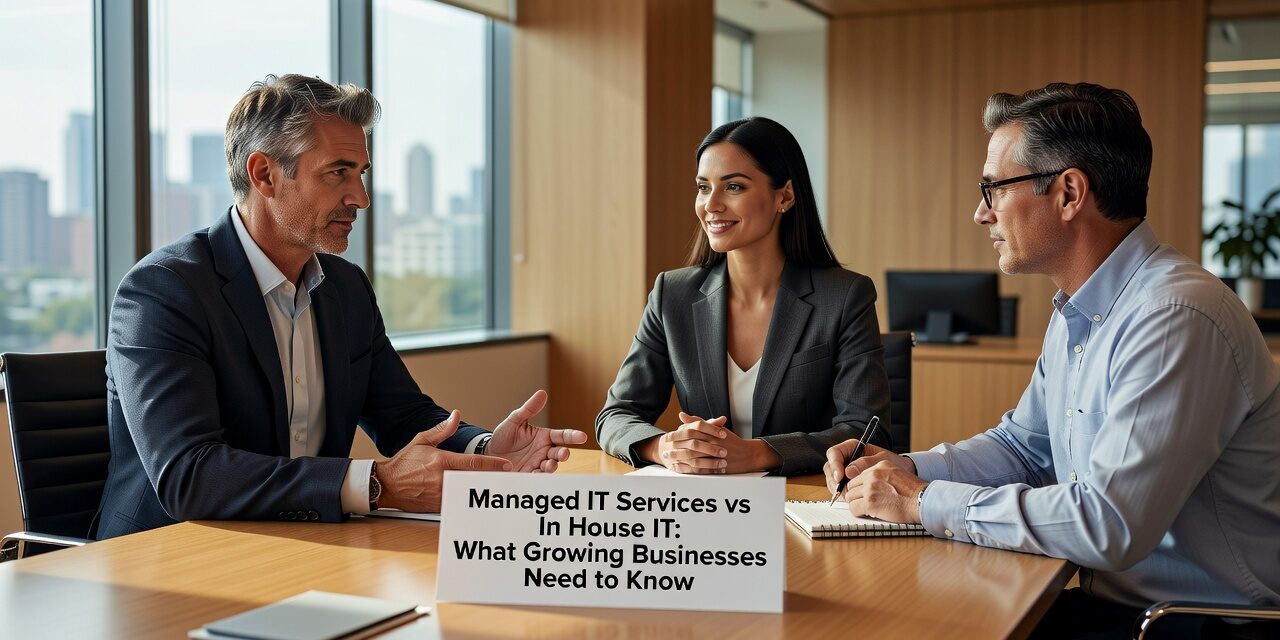
When your business hits 15-25 employees, a familiar challenge emerges: your current IT approach isn’t keeping up. Maybe you’ve been relying on break-fix support, calling a technician only when something breaks. Or perhaps you’ve hired one internal IT person who’s now fielding help desk tickets, managing servers, handling security, and trying to plan future technology needs.
The question becomes whether to expand your internal IT team or move to managed IT services vs in house IT. Both approaches have merits, but the choice depends on your specific operational needs, growth trajectory, and tolerance for IT disruptions.
Signs Your Current IT Approach Is Falling Behind
Several warning signs indicate your IT setup needs attention. Your single IT person might be overwhelmed, spending most of their time on reactive support instead of strategic planning. When they’re out sick or on vacation, minor issues pile up until they return.
Break-fix support creates different problems. You might wait hours or days for a technician to arrive when your server crashes or internet goes down. Each incident costs both the service call and the lost productivity while your team waits.
Recurring issues often signal deeper problems. If the same printers keep jamming, users repeatedly lose network connections, or email problems happen weekly, these aren’t isolated incidents. They suggest underlying infrastructure or configuration issues that break-fix support rarely addresses.
Documentation gaps become apparent when your IT person leaves or when you need to troubleshoot something they set up months ago. Without proper documentation, even simple changes become time-consuming detective work.
The Real Costs of Internal IT Teams
Building an internal IT team involves more than salary costs. A qualified IT professional in most markets commands $55,000-$85,000 annually, plus benefits, training, and equipment. But one person can’t cover all specialties: network administration, cybersecurity, help desk support, and strategic planning require different skill sets.
Many businesses underestimate the ongoing training costs. Technology changes constantly, and cybersecurity threats evolve rapidly. Keeping internal staff current requires conference attendance, certifications, and dedicated learning time that reduces their availability for daily support.
Vacation and sick coverage creates additional challenges. When your IT person is unavailable, who handles urgent issues? Hiring backup coverage or cross-training other employees adds complexity and cost.
Internal teams also need management oversight. Someone must set priorities, track project progress, and ensure IT initiatives align with business goals. This responsibility often falls to already-busy executives who lack technical expertise.
How Managed IT Services Change Daily Operations
ManagedIT services operate differently than both break-fix and internal IT models. Instead of waiting for problems to occur, managed providers monitor systems continuously, often catching issues before they affect users.
Help desk support becomes more predictable. Instead of interrupting your internal IT person or waiting for a break-fix technician, employees contact a dedicated support team with defined response times. Priority systems ensure urgent issues get immediate attention while routine requests follow an organized queue.
New employee onboarding improves significantly. Managed providers typically have standardized processes for setting up new users, configuring devices, and ensuring security compliance. What might take your internal IT person half a day becomes a streamlined process.
Software updates and security patches happen on scheduled maintenance windows, reducing unexpected disruptions. Managed providers coordinate these activities across all clients, learning from each implementation to improve the process.
When Internal IT Still Makes Sense
Some situations favor keeping IT internal. Companies with highly specialized software or unique compliance requirements might need dedicated staff who understand their specific environment.
Businesses with significant custom development projects often benefit from internal teams who can work closely with developers and understand the codebase intimately. The same applies to companies whose core business involves technology products or services.
Larger organizations (typically 100+ employees) can justify the overhead of managing internal IT teams and often have enough work to keep multiple specialists busy in their areas of expertise.
Companies in industries with strict data handling requirements sometimes prefer the control that comes with internal staff, though many managed providers now offer specialized compliance support.
Making the Decision: Key Factors to Consider
Evaluate your current IT costs comprehensively. Include not just obvious expenses like salaries or service calls, but also hidden costs: downtime during outages, employee time spent on IT issues, delayed projects due to technical problems, and opportunity costs when IT constraints limit business growth.
Consider your growth trajectory. If you’re planning to add locations, increase staff significantly, or implement new technology systems, managed services often scale more easily than internal teams.
Assess your risk tolerance. How much downtime can you handle? What would a security breach cost your business? Managed providers typically offer better disaster recovery capabilities and more comprehensive security monitoring than small internal teams can provide.
Think about your management bandwidth. Do you want to hire, train, and manage IT staff? Or would you prefer to focus on your core business while someone else handles IT operations?
What This Means for Your Business
The choice between managed IT services vs in house IT isn’t permanent. Many businesses start with one approach and evolve as their needs change. The key is honestly assessing your current situation, understanding the full costs of each option, and choosing the approach that best supports your business goals.
Successful businesses often combine elements of both models. They might use managed services for infrastructure and help desk support while keeping specialized internal staff for unique applications or development projects.
Regardless of which path you choose, document your decision criteria and review it annually. As your business grows and technology evolves, your optimal IT support model may change too.
If you’re evaluating IT support options for your growing business, TECHZN can help you understand what managed IT support might look like for your specific situation. Contact us to discuss your current IT challenges and explore whether managed services could improve your operations.






