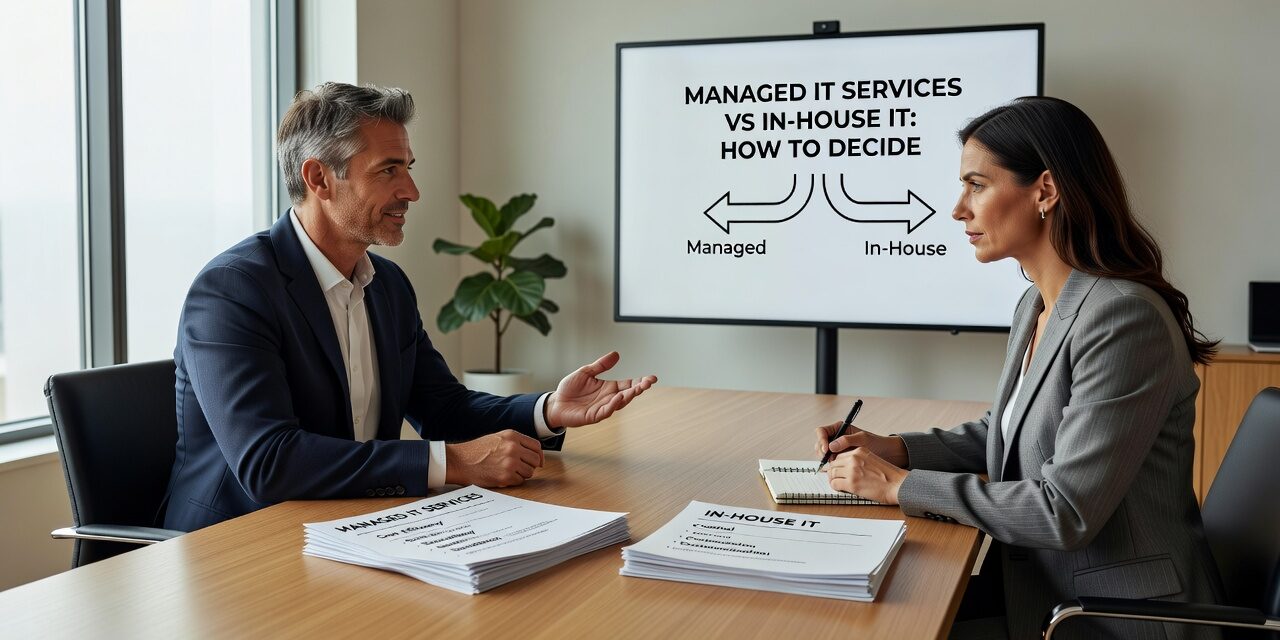
Choosing between managed IT services vs in-house IT is one of the more consequential decisions a growing business can make. It affects your budget, your risk exposure, and how quickly your team gets help when something breaks. Neither option is right for every situation, but there are clear signals that point one way or the other—and a lot of businesses get it wrong by defaulting to habit rather than making a deliberate choice.
What You’re Actually Comparing
An in-house IT model means you employ one or more IT staff directly. They handle your day-to-day support, manage your systems, and respond to problems. A managed IT services model means you contract an external provider who takes on those responsibilities for a fixed monthly fee.
The real difference isn’t just cost per hour. It’s about coverage, depth, and consistency.
A single in-house IT person is great until they’re on vacation, out sick, or move on to another job. At that point, your business is exposed. A managed provider brings a full team—help desk staff, network engineers, security specialists—without you having to hire and retain each role separately.
That said, in-house IT has genuine advantages. A dedicated internal person often knows your business deeply, responds with full context, and can be physically present when you need hands on hardware.
The Hidden Costs of the In-House Model
Many businesses underestimate what in-house IT actually costs. Salary is the obvious number, but you also need to account for benefits, payroll taxes, training, certifications, and coverage gaps.
Here’s a scenario that plays out often: a 45-person professional services firm has one IT person managing everything. He’s capable, but when a server issue hits on a Thursday evening, there’s no escalation path. He troubleshoots alone until midnight, makes his best call, and by Friday morning the team is back—mostly. The underlying issue isn’t fully resolved, and the same problem recurs three weeks later.
This isn’t a failure of the IT person. It’s a structural gap. One person can’t cover every specialty, every time window, and every situation at once.
Recurring outages, slow ticket resolution, and unplanned downtime are often symptoms of an IT model that’s stretched past its limits—not signs that you need to hire better.
What Managed IT Support Actually Covers
A common misconception is that managed IT is just remote help desk support. In practice, a well-structured managed IT agreement covers quite a bit more:
- Proactive monitoring of servers, workstations, and network devices
- Patch management so systems stay current without requiring manual intervention
- Backup monitoring to confirm your backups are actually completing successfully
- Help desk access for staff across all your locations
- Security tooling including endpoint protection, threat detection, and sometimes email filtering
- Vendor coordination so you’re not stuck in the middle between your ISP, your software vendors, and your hardware supplier
The vendor coordination piece is often underappreciated. When your internet goes down, your managed provider can open and manage the ISP ticket directly—rather than having your office manager spend two hours on hold trying to describe a problem she doesn’t fully understand.
Common Mistakes Businesses Make When Comparing the Two
Comparing only the monthly cost, not the full picture. A managed IT contract might look expensive next to a single salary. But that salary doesn’t include on-call coverage, security expertise, backup management, or a second opinion when a major decision needs to be made.
Assuming in-house is more responsive. Response time depends on structure, not employment type. An in-house person fielding requests from 50 employees while also managing infrastructure, projects, and vendor calls will eventually bottleneck. A managed provider with defined SLAs and a staffed help desk can often respond faster during normal business hours—and has coverage after hours.
Waiting for a crisis to revisit the model. A lot of businesses don’t reconsider their IT structure until something serious happens—a ransomware incident, a major outage before a client deadline, or the sudden departure of the one person who knew where everything was. By then, the transition is harder and more expensive.
Ignoring the co-managed middle ground. Not every business needs to choose one model completely. Co-managed IT allows an internal IT person to stay in place while an external provider handles monitoring, security, after-hours support, and specialized projects. This works particularly well for companies with 50 to 200 employees that have grown beyond what one person can manage but still want internal continuity.
How to Think Through the Decision
Start with three practical questions:
1. What’s your actual downtime tolerance? If your business loses meaningful revenue or client trust every hour you’re offline, you need coverage that doesn’t depend on one person being available. That points toward managed or co-managed support with defined response times.
2. How fast are you growing? A company adding 20 employees and two office locations in 18 months will outgrow a single IT hire quickly. Managed IT scales without requiring you to hire ahead of need.
3. What’s your security exposure? If you handle sensitive client data, process payments, or operate in a regulated industry, security can’t be an afterthought. Managed providers who build security into their service model—not as a bolt-on—offer consistent protection that’s hard to replicate with one generalist hire.
For businesses in the Dallas or Austin areas that are actively weighing these options, it helps to talk through your specific setup with a provider who can explain what a managed model would actually look like for your size and industry. TECHZN offers managed IT support for growing businesses across North and Central Texas if you want a direct comparison.
What This Means for Your Business
The managed IT services vs in-house IT question doesn’t have a universal answer, but it does have a right process. Look at your actual support gaps, your growth trajectory, your downtime history, and what it would cost to cover those gaps internally. Most businesses that make this comparison honestly find that the all-in cost of a managed model is closer to in-house than they expected—with more coverage, more consistency, and less dependency on any single person.
If your team is dealing with recurring IT issues, slow support responses, or gaps in after-hours coverage, it may be time to reconsider the structure—not just the tools. TECHZN works with small and midsize businesses across Texas to build IT support models that match how they actually operate. Reach out to talk through what that might look like for your team.