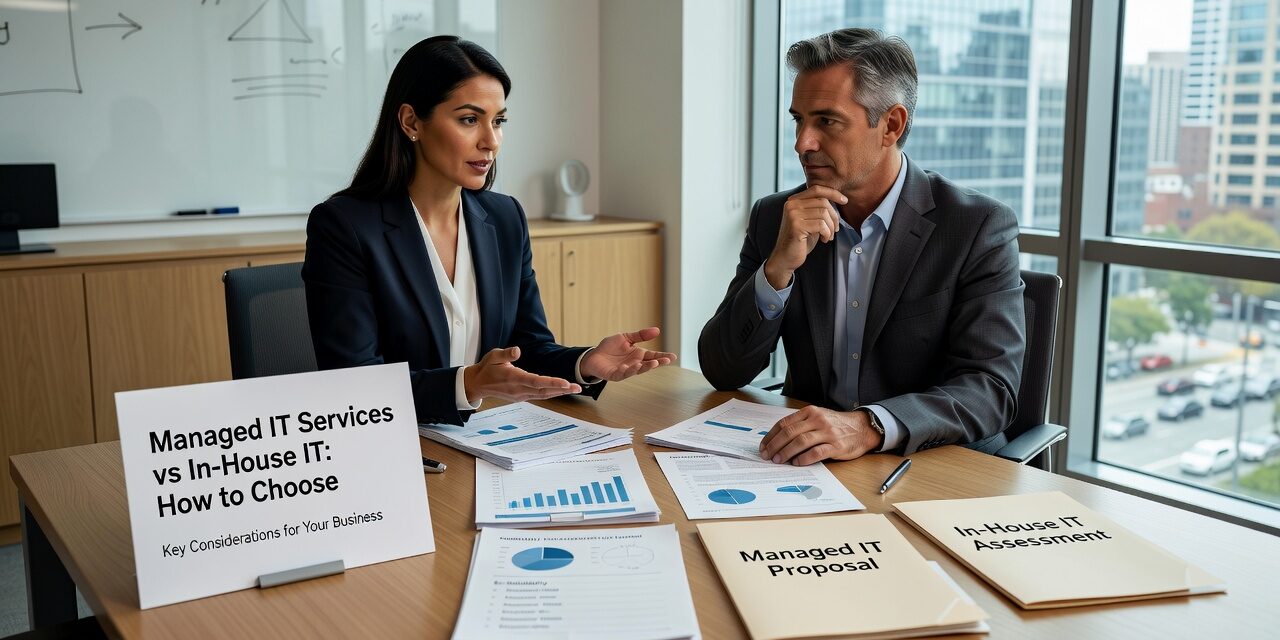
Deciding between managed IT services vs in-house IT is one of the more consequential technology decisions a growing business will make. Get it right and your team stays productive, your systems stay secure, and IT costs become predictable. Get it wrong and you end up either overpaying for coverage you don’t need or underpaying until something breaks at the worst possible time.
This guide lays out how each model actually works in practice, where each one tends to fall short, and the questions worth asking before you commit.
How Each Model Works in Practice
An in-house IT model means you employ one or more dedicated IT staff members. They show up every day, they know your systems, and they’re available when someone’s printer stops working or a new hire needs an account set up.
A managed IT model means you contract with an external provider who takes responsibility for a defined set of IT functions—monitoring your network, managing your endpoints, handling help desk requests, keeping systems patched and updated, and often providing cybersecurity oversight. You pay a flat monthly fee instead of a salary and benefits package.
Both can work well. The question is which one fits where your business actually is right now.
The Real Cost Comparison Goes Beyond Salary
A lot of business owners look at the monthly cost of a managed IT contract and compare it directly to what they’d pay a single IT employee. That comparison misses a lot.
A full-time IT hire in a mid-sized market typically costs $55,000 to $85,000 in base salary before benefits, payroll taxes, training, and time off. And that one person covers one shift. If they’re sick, on vacation, or leave the company, your coverage disappears.
Managed IT contracts typically include a full team—a help desk, network engineers, security specialists, and project support—at a cost that’s often lower than a single mid-level hire. More importantly, coverage doesn’t drop when someone calls out.
That said, cost alone shouldn’t drive the decision. What you’re really comparing is capability, coverage, and risk.
Where In-House IT Tends to Struggle
In-house IT works best when a business has enough complexity and volume to justify the overhead. For many small and mid-sized organizations, the math doesn’t work out that way.
Here are some common patterns worth recognizing:
- Single-person IT departments are a liability. When your entire IT function lives in one person’s head—their passwords, their vendor contacts, their tribal knowledge about which server behaves strangely—you’re one resignation away from serious operational disruption.
- Generalists can’t cover every specialty. A solid IT generalist can handle day-to-day support. But cybersecurity, cloud architecture, compliance, and disaster recovery each require depth that’s hard to maintain alongside a full support workload.
- Reactive support becomes the norm. Small internal teams often spend so much time on immediate problems that proactive work—monitoring, patching, planning—gets deferred. That’s usually when the bigger problems start.
A 30-person professional services firm once discovered their server backups hadn’t been completing successfully for four months. Their IT generalist had assumed the scheduled jobs were running. They weren’t. The discovery came during a recovery test—fortunately before an actual incident. That kind of blind spot is common when one person is stretched across too many responsibilities.
Where Managed IT Falls Short
Managed IT isn’t automatically the right answer either. There are situations where it underdelivers.
Response time and physical presence are the most common complaints. If your business relies on specialized hardware on-site, an external provider may not be able to get someone on-site as quickly as you need. Many contracts define response times carefully, but not every business reads those terms closely before signing.
Industry or application-specific knowledge can also be a gap. If your business runs specialized software—industry-specific ERP systems, niche manufacturing tools, custom-built applications—your managed provider needs to either already know that software or be willing to learn it. Some are. Some aren’t.
Communication and accountability vary significantly between providers. Some managed IT relationships work smoothly for years. Others result in slow ticket queues, vague answers, and a general sense that nobody owns the problems. The quality of the provider matters more than the model itself.
The Co-Managed Option Is Worth Knowing About
For businesses that already have an internal IT person or small team, there’s a middle path. Co-managed IT lets you keep your internal staff while filling the gaps with an external partner—handling after-hours coverage, security monitoring, or project work that your internal team doesn’t have bandwidth for. This setup works well for companies that value internal IT continuity but need more depth and coverage than one or two people can provide.
Practical Questions to Help You Decide
Before committing to either direction, these questions tend to surface what actually matters:
What’s your current IT coverage gap? Is the problem too many tickets going unresolved? A security posture you can’t verify? A single IT person who’s overloaded? Identifying the actual gap helps you match it to the right solution.
How predictable does your IT spending need to be? Managed IT converts unpredictable repair and emergency costs into a flat monthly fee. For businesses trying to plan budgets 12 to 24 months out, that predictability has real value.
What would an outage cost you? If your team can’t work for four hours because of a network issue, what does that cost in lost productivity, missed deadlines, or frustrated clients? Managed providers typically include proactive monitoring that catches issues before they become outages. That’s a concrete business outcome, not just a service feature.
Do you need 24/7 coverage? Most small businesses don’t need round-the-clock support. But if your team works across time zones, runs after-hours operations, or depends on systems that can’t afford overnight downtime, shift-based coverage matters.
What’s your growth trajectory? A 15-person company that expects to double in two years has different IT needs than one that’s stable. Managed IT scales more easily than staffing—adding a new location or onboarding 20 new employees doesn’t require a new hire.
If you’re weighing your options and want to understand what outsourced IT support options look like in practice, it’s worth talking through your specific environment before making a commitment.
A Common Mistake: Waiting Until Something Breaks
The most consistent mistake businesses make isn’t choosing the wrong model—it’s waiting too long to make any change at all.
A company running a stretched, overworked internal IT person doesn’t usually switch to managed IT after a smooth planning process. They switch after a ransomware incident, a failed recovery, or a key IT employee who gave two weeks’ notice on a Monday morning.
None of those are good times to evaluate your options. The decisions made under pressure—picking a provider quickly, signing a contract without reading the SLA terms, not fully documenting the handoff—tend to create new problems.
Evaluating your IT model during a stable period, not a crisis, gives you leverage. You can compare providers properly, negotiate contract terms, and build a transition plan that doesn’t disrupt daily operations.
What This Means for Your Business
Neither managed IT nor in-house IT is universally better. The right choice depends on your headcount, your IT complexity, your growth plans, and how much risk you’re willing to carry with a lean internal team.
What’s worth avoiding is treating IT staffing as an afterthought—something to figure out after the next hire or the next problem. IT infrastructure directly affects uptime, security, and how smoothly your team can do their work. Decisions about how you support it deserve the same deliberate thinking you’d give any other operational investment.
If your business is in Texas and you want a straightforward conversation about what managed IT support for growing businesses looks like at your scale, TECHZN works with companies across Dallas and Austin to build IT coverage that fits how they actually operate. Reach out to start the conversation.