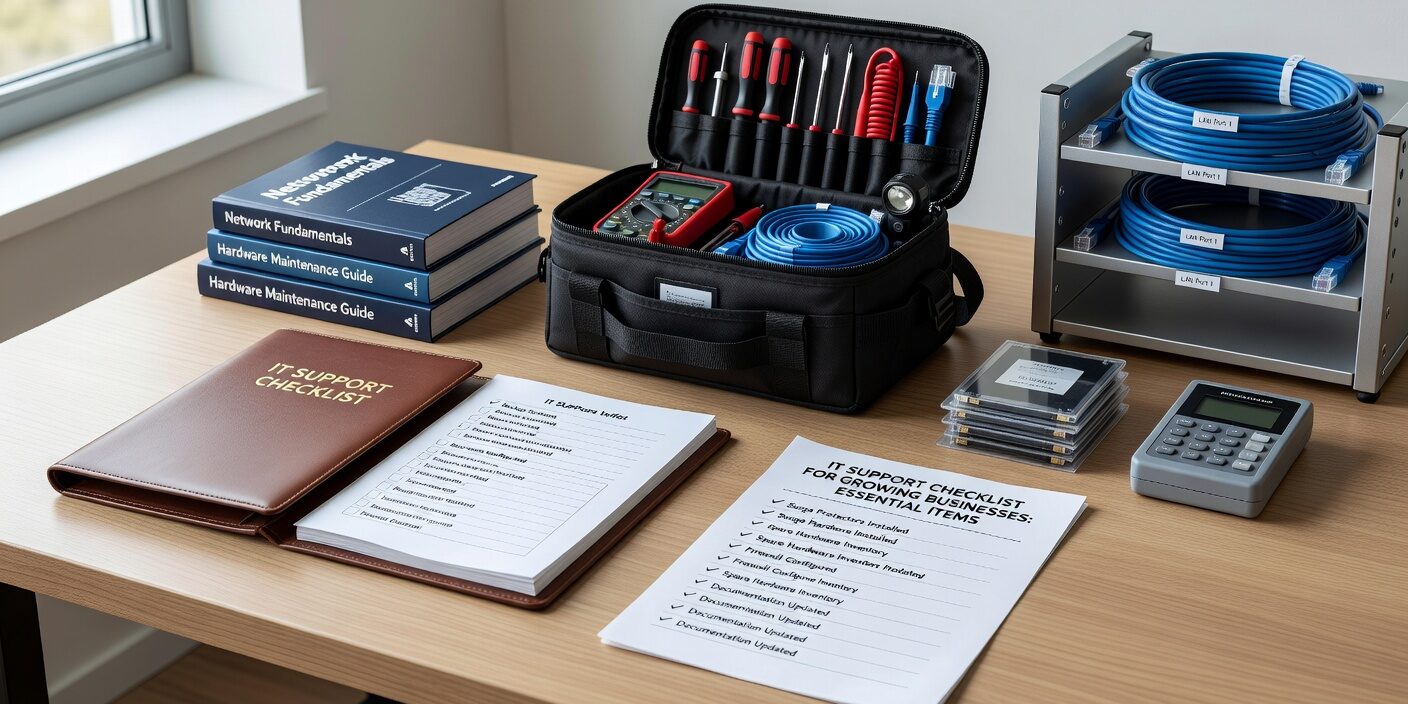
Growing businesses face a critical challenge: their technology needs expand faster than their ability to manage them. An IT support checklist for growing businesses helps ensure nothing falls through the cracks as you scale from a handful of employees to 50, 100, or beyond.
When your business is small, IT problems might be manageable with quick fixes and workarounds. But as you grow, those same approaches lead to costly downtime, security gaps, and frustrated employees. A systematic approach to IT support becomes essential for maintaining productivity and protecting your business.
Foundation: Network and Connectivity Requirements
Your network infrastructure forms the backbone of all business operations. Growing businesses need reliable connectivity that can handle increasing demands without constant intervention.
Start with business-grade internet connections sized for current needs plus 2-3 years of growth. Consumer-grade internet simply won’t provide the reliability and support response times your business requires. Include a backup connection—whether that’s a second ISP, 4G/5G failover, or secondary line—to prevent total connectivity loss.
Business-class network equipment makes a significant difference in reliability and management capabilities. Replace consumer routers and switches with enterprise-grade equipment that offers:
• VLAN capabilities for network segmentation • Central management and monitoring • Robust firewall features • Quality of Service (QoS) controls for prioritizing business traffic
Document your network topology and IP addressing scheme. This documentation becomes invaluable when troubleshooting issues or planning expansions.
Device Management and Security Standards
Standardizing your hardware and software environment dramatically reduces support complexity. Choose standard models for laptops and desktops to simplify inventory, support, and spare parts management.
Implement full-disk encryption on all portable devices using built-in tools like BitLocker or FileVault. This protects sensitive business data if devices are lost or stolen. Restrict local administrator rights—users should operate with standard privileges while IT administrators handle system changes.
Essential Security Controls
Every device needs next-generation antivirus protection with central management capabilities. This allows your IT team to monitor threats, push updates, and respond to incidents across all endpoints from a single console.
Establish configuration baselines and enforce them through group policies or mobile device management (MDM) solutions. These policies should cover:
• Password complexity requirements • Screen lock timeouts • Software installation restrictions • USB and external device controls
Multi-factor authentication (MFA) should be mandatory for email, VPN access, administrative accounts, and any remote access tools. This single change prevents most account compromise incidents.
Backup and Business Continuity Planning
Data protection becomes more critical as your business grows and accumulates more valuable information. Follow the 3-2-1 backup rule: maintain three copies of important data, store them on two different types of media, and keep one copy offsite.
Automate backup processes to run daily or more frequently for critical systems. Manual backups are forgotten during busy periods, leaving your business exposed. Test restore procedures quarterly—backups are only valuable if you can actually recover from them when needed.
Define Recovery Point Objectives (RPO) and Recovery Time Objectives (RTO) for different systems. Your email server might need to be restored within 30 minutes, while your accounting system might tolerate several hours of downtime. These targets drive your backup frequency and recovery procedures.
Document a disaster recovery plan that prioritizes systems in order of business importance. Include contact information for key vendors and internal staff who will manage the recovery process.
Support Structure and Service Levels
Establish a clear support structure before problems arise. Growing businesses need predictable IT support that doesn’t rely on whoever happens to know the most about computers.
Implement a ticketing system that tracks issues from submission to resolution. This provides accountability and helps identify recurring problems that need permanent solutions. Categories like “password reset,” “hardware failure,” and “software issue” help route tickets to the right resources quickly.
Define response times based on business impact:
• Critical issues (server down, network outage): Response within 1 hour • High priority (individual can’t work): Response within 4 hours • Normal requests (software questions, minor issues): Response within 24 hours • Low priority (feature requests, future planning): Response within 3 business days
Create a knowledge base for common issues employees can resolve themselves. Password resets, printer connectivity problems, and basic software questions don’t always need IT intervention if users have clear instructions.
Vendor Management and Documentation
Maintain an inventory of all IT vendors including Internet Service Providers, software vendors, hardware suppliers, and any outsourced support providers. Document contract terms, support contacts, and service level agreements.
Establish a responsibility matrix that clearly defines who supports what. When your email system goes down, everyone should know whether to contact your managed IT support for growing businesses provider, Microsoft support, or your local ISP.
Asset and License Management
Track all hardware assets including computers, mobile devices, network equipment, and servers. Link each asset to its assigned user, location, and purchase date. This information becomes essential for warranty claims, insurance purposes, and refresh planning.
Monitor software licenses to avoid compliance issues and unexpected costs. Many businesses discover they’re paying for licenses they don’t need or using software without proper licensing during audits.
Planning for Continued Growth
Design your IT infrastructure with scalability in mind. Choose solutions that grow with your business rather than requiring complete replacement as you add employees.
Cloud-based services typically scale more easily than on-premises solutions. Email, file storage, and even line-of-business applications often work better in cloud environments for growing businesses.
Develop a 12-24 month IT roadmap that aligns with business growth plans. Include hardware refresh cycles, major software upgrades, and infrastructure improvements. This planning prevents emergency purchases and allows for better budget management.
Regularly review your security posture as you grow. New employees, additional locations, and expanded technology use create new risks that require ongoing attention.
What This Means for Your Business
A comprehensive IT support checklist transforms technology from a constant source of interruptions into a reliable foundation for growth. Businesses that implement structured IT management experience less downtime, better security, and more predictable technology costs.
The key is implementing these practices before you desperately need them. Waiting until systems fail or security incidents occur makes everything more expensive and disruptive.
Start with the most critical items—backup systems, security controls, and support processes—then build out additional capabilities over time. Your employees will be more productive, your data will be better protected, and your business will be positioned for sustainable growth.
Ready to implement a comprehensive IT support strategy for your growing business? Contact TECHZN to learn how professional IT management can provide the reliability, security, and scalability your business needs to succeed.