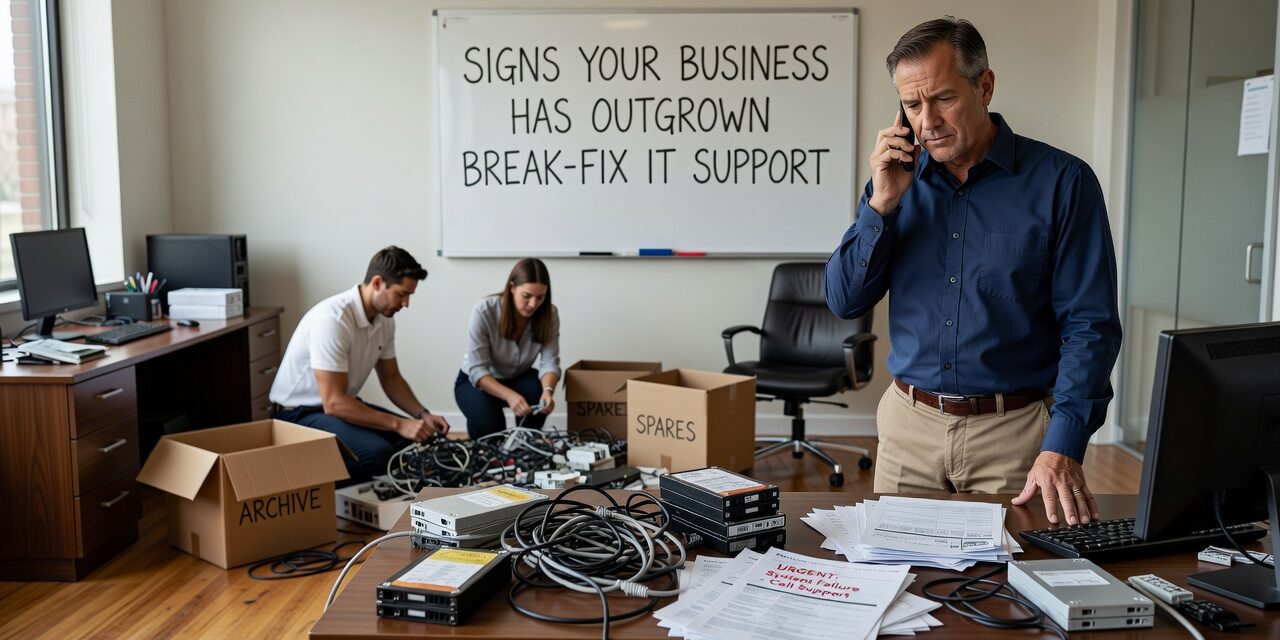
At some point, the way you’ve been handling IT stops working. Calls go out when something breaks. A technician shows up—or logs in remotely—fixes the problem, sends an invoice, and disappears. It’s called break-fix IT support, and for a while, it gets the job done. But there are clear signs your business has outgrown break-fix IT support, and ignoring them tends to get expensive.
This isn’t about chasing the newest tech model. It’s about recognizing when a reactive approach creates more problems than it solves—and understanding what that actually costs you.
What Break-Fix IT Support Actually Means
Break-fix is exactly what it sounds like: something breaks, you call someone, they fix it, you pay. There’s no ongoing relationship, no monitoring, and no one keeping an eye on things between visits. You’re not a managed client—you’re a service call.
For very small operations with simple setups, this can work. But most businesses grow past that point faster than they expect. New staff, more devices, cloud applications, remote work, and compliance requirements all add complexity. And complexity is where break-fix starts to fall apart.
The Recurring Problems That Should Concern You
One of the clearest signs you’ve outgrown break-fix support is when you’re calling about the same problems repeatedly. A server goes down and gets fixed. Three weeks later, it goes down again. Wi-Fi keeps dropping in the conference room. Staff get locked out of accounts more than once a month. Password resets eat up someone’s morning every week.
These aren’t random bad luck. They’re symptoms of an environment that isn’t being maintained. Break-fix vendors fix what’s in front of them—they’re not looking at root causes, they’re not patching systems between visits, and they’re not flagging hardware that’s nearing the end of its useful life.
Recurring issues are rarely technical coincidences. They’re usually the result of deferred maintenance, aging equipment, or configuration problems that never got properly resolved.
Unpredictable Costs and Hidden Downtime
Budgeting for break-fix IT is genuinely difficult. You don’t know what’s going to break, how long it will take to fix, or how much it will cost. A bad month—a failed switch, a ransomware incident, a hardware failure at the wrong time—can produce an invoice that wrecks your quarter.
But the invoice isn’t even the full cost. Consider what happens in the hours before the technician arrives. Staff sitting idle. Orders not getting processed. Client calls going unanswered. A half-day of productivity lost across five employees is real money, and it doesn’t show up on any IT bill.
A realistic example: a 30-person office loses access to their shared drive on a Tuesday morning. The break-fix provider isn’t available until afternoon. By the time the fix is complete, five staff members have lost nearly four hours of productive work. That downtime won’t appear in an IT cost report, but it absolutely has a dollar figure.
When IT costs feel random and downtime keeps happening, that’s a signal the current model isn’t scaling with your business.
When One IT Person Isn’t Enough Anymore
Some businesses reach this crossroads with an internal IT person rather than a break-fix vendor. One person who handles everything—the network, the laptops, Microsoft 365, the copier, the security cameras—is manageable at a certain size. Past that size, it becomes a capacity problem.
The Signs Are Usually Visible Before It Becomes a Crisis
- Tickets pile up and non-urgent requests sit for days
- Staff learn to work around IT problems instead of reporting them
- The IT person is always putting out fires, never doing anything proactive
- Vacations and sick days leave the business without any IT coverage
- Security tasks, updates, and backups get pushed back when things get busy
This isn’t a performance problem—it’s a structural one. One person cannot monitor infrastructure, support users, manage vendors, plan for growth, and maintain security simultaneously. When they’re stretched thin, the things that don’t feel urgent—like patch management and backup testing—are the first to slip. Those are also the things most likely to cause serious problems later.
What Proactive IT Support Changes
The alternative to break-fix isn’t just faster response times. It’s a fundamentally different relationship with your IT environment. Proactive support means someone is watching your systems before things go wrong—flagging a hard drive that’s showing early failure signs, catching an expired certificate before it takes down your VPN, or spotting an unusual login pattern before it becomes a breach.
For growing businesses, this shift matters most in three areas:
Downtime prevention. Most outages don’t happen without warning. Proactive monitoring catches early signs—high CPU usage, storage running low, failed backup jobs—and resolves them before staff notice anything.
Cost predictability. A managed support model typically replaces unpredictable per-incident billing with a flat monthly fee. That makes budgeting more straightforward and removes the financial incentive to delay calling for help.
Security and compliance. Keeping systems patched, managing user access, monitoring for threats, and maintaining audit-ready documentation are all ongoing tasks. Break-fix vendors don’t do that work between calls. If your business handles client data, operates under any regulatory requirements, or would face serious consequences from a breach, reactive support isn’t a sufficient model.
For businesses in the Dallas or Austin area evaluating their options, reviewing managed IT support for growing businesses can help clarify what a structured support arrangement actually includes.
A Common Mistake: Waiting for a Major Incident
The most common mistake businesses make is waiting until something serious happens before reassessing their IT setup. A ransomware attack. A hardware failure with no working backup. A compliance audit that reveals gaps. These are painful and expensive ways to realize the current model isn’t working.
The decision to move away from break-fix support doesn’t have to be driven by a crisis. There are quieter triggers worth paying attention to:
- You’re adding staff or opening a new location
- You’ve moved more operations to the cloud and internet reliability has become critical
- A client or partner has asked about your security practices
- You’re relying on IT more for day-to-day operations than you were two or three years ago
- Your current IT provider can’t give you a clear answer about what’s been patched, backed up, or monitored
None of those require a disaster to notice. They just require someone paying attention.
What This Means for Your Business
Break-fix IT support isn’t inherently bad—it just has a ceiling. If your business has grown past the point where reactive, as-needed support keeps things running smoothly, the signs are usually there before anything catastrophic happens. Recurring problems, unpredictable costs, capacity gaps, and deferred maintenance are all worth taking seriously.
The practical question isn’t whether proactive IT support costs more than break-fix. It’s whether the downtime, staff frustration, and security exposure your current model creates are actually cheaper.
If you’re ready to assess where your IT support stands, TECHZN works with growing businesses across Dallas and Austin to build structured, proactive IT support that fits their size and operations. Reach out to start a conversation.