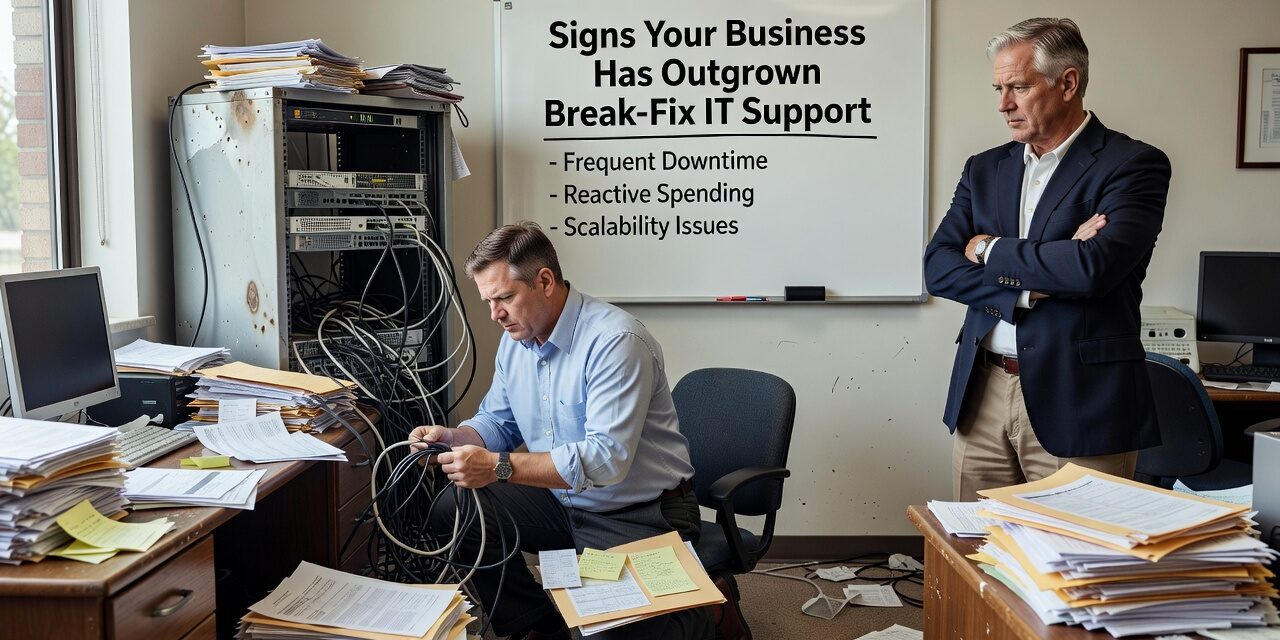
If your team is waiting hours for someone to fix a downed server, or your go-to IT guy only shows up after something breaks, you’re running on a model that most growing businesses quietly outpace. The signs your business has outgrown break-fix IT support aren’t always dramatic. Sometimes they show up as recurring slowdowns, unexplained outages, or staff who’ve stopped reporting tech problems because they’ve given up expecting a quick fix.
Break-fix support made sense when your business was smaller and simpler. You called someone when something went wrong, they fixed it, and life went on. But as operations grow—more staff, more locations, more cloud tools, more compliance exposure—that model starts creating real operational risk.
Your IT Problems Keep Coming Back
One of the clearest signs you’ve outgrown break-fix is when the same issues repeat. A server crashes, gets patched, crashes again three weeks later. The office Wi-Fi degrades every afternoon. Microsoft 365 keeps throwing errors that nobody fully resolved the first time.
Break-fix providers react to symptoms. They’re not paid to investigate root causes or monitor your systems between visits. So the underlying problem—an aging network switch, misconfigured software, an overloaded server—stays in place until the next failure.
Root cause analysis is a standard part of how managed IT providers work. Instead of closing a ticket and moving on, they track recurring issues, look for patterns, and fix what’s actually causing the problem. For a business that depends on uptime, that difference matters more than most owners realize until they’ve lost a full workday to a preventable outage.
Downtime Is Becoming a Regular Expense
Downtime has a cost that’s easy to underestimate in the moment. When your internet goes out, your staff doesn’t just stop working—they start burning time on workarounds, lose progress on time-sensitive tasks, and sometimes miss client deadlines entirely.
Consider a 20-person office where a network outage takes four hours to resolve because nobody is actively monitoring the environment. That’s 80 staff-hours of disrupted productivity, plus whatever the break-fix technician bills for an emergency call. Now imagine that happening three or four times in a year—which is common when systems aren’t being maintained proactively.
With break-fix, you only know something failed after it fails. Managed IT flips that. Systems are monitored continuously, and many problems get caught and corrected before anyone in the office notices. That shift alone tends to reduce outage frequency significantly for businesses that make the switch.
You Have No Clear Picture of What You’re Running
A common blind spot for businesses still on break-fix: nobody has a complete, current map of your IT environment. Which devices are on the network? What software versions are running? Are your backups actually completing—or just configured to run and quietly failing?
This one catches businesses off guard. You assume your backups are working because you set them up two years ago. Then something goes wrong, and you discover that the backup job has been failing for months, or that it’s backing up the wrong folders, or that restoring from it takes three times longer than expected. By then, the damage is done.
Documentation and monitoring are foundational to managed IT services. A good provider maintains an accurate inventory of your systems, keeps configurations documented, and verifies that backup jobs are completing and restorable. That’s not exciting work, but it’s what prevents a bad day from turning into a business crisis.
Your IT Needs Have Changed Faster Than Your Support Model
Growth changes your IT requirements in ways that sneak up on you. A few years ago, maybe you had 10 employees sharing a basic file server. Now you have 30 people across two offices, a cloud-based phone system, a CRM that integrates with your billing platform, and half your staff working remotely part of the week.
Break-fix works reasonably well for simple, static environments. It struggles with complexity. When you have multiple vendors, multiple locations, and cloud services that need to talk to each other, you need someone who understands the full picture—not just whoever answered the phone when you called for help.
Multi-location businesses especially tend to hit this wall hard. An office move, for example, is a situation where break-fix providers frequently fall short. Internet provisioning, phone system porting, network configuration, workstation setup—these all have to happen in a coordinated sequence. Without proactive planning and a single point of accountability, something almost always gets missed, and the new office starts at a disadvantage from day one.
The Mistake of Staying Too Long on the Wrong Model
The most common mistake businesses make here is waiting for a major incident before reassessing their IT support structure. A ransomware attack, a prolonged outage, or a failed disaster recovery attempt tends to force the conversation—but by then, the cost has already been paid.
The smarter move is to look at what’s been happening over the past 12 months. How many times did IT issues interrupt your operations? How long did resolution take? Are your systems documented? Does anyone have a recovery plan if your server fails tomorrow?
If the honest answers to those questions are uncomfortable, that’s a useful signal. It doesn’t necessarily mean you need to overhaul everything at once—but it does mean your current support model deserves a hard look.
For businesses in Texas evaluating what a different approach might look like, managed IT support for growing businesses typically includes proactive monitoring, documented systems, predictable monthly costs, and a help desk that answers when your staff needs support—not just when something breaks.
What This Means for Your Business
If you’re seeing recurring IT problems, unpredictable downtime, or gaps in your backup and security coverage, those aren’t just IT inconveniences—they’re operational risks that compound over time. Break-fix support was designed for a simpler era of business technology. As your environment grows more complex, the model’s limitations become more expensive.
The practical question isn’t whether managed IT is better in theory. It’s whether your current setup can actually support the way your business runs today—and where you’re headed.
TECHZN works with growing businesses across Dallas and Austin to build IT support structures that match how they actually operate. If you’d like to talk through what that looks like for your team, reach out to us directly—no sales pitch, just a straightforward conversation.