




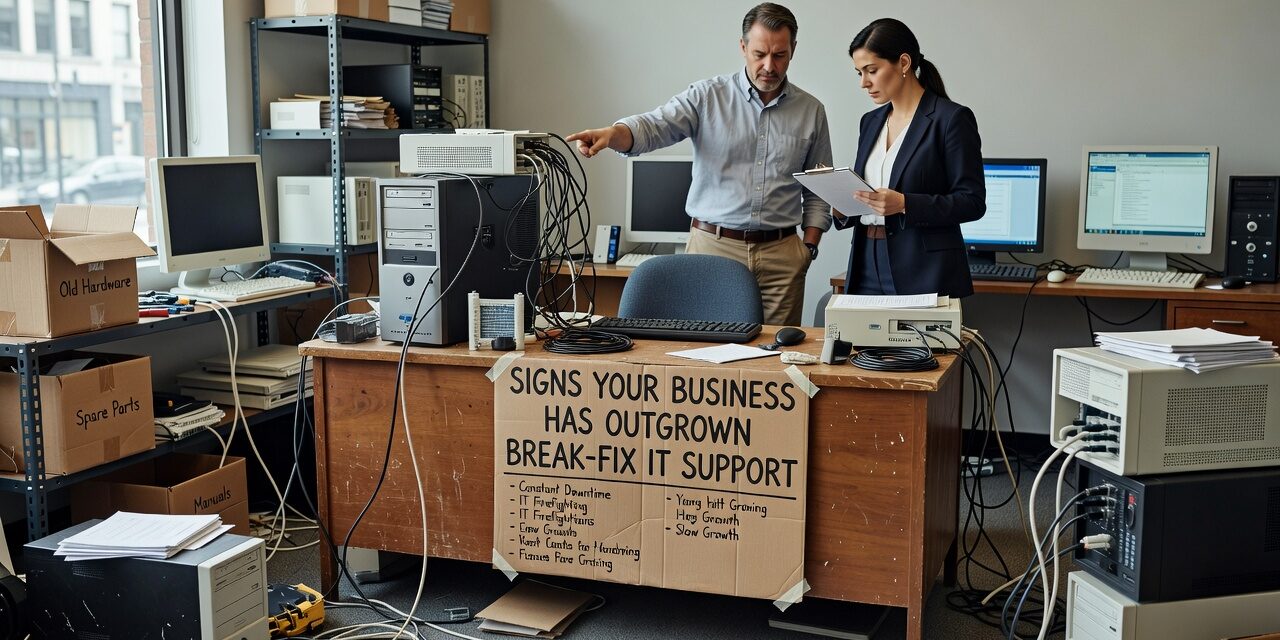
At some point, calling your IT guy when something breaks stops being a reasonable plan. If your staff is waiting hours for a fix, the same problems keep coming back, or you found out about a security issue after the damage was done — those aren’t just frustrations. They’re signs your business has outgrown break-fix IT support.
Break-fix works fine when a business is small, tech is simple, and downtime is a minor inconvenience. But as operations grow, that model starts creating real problems: unpredictable costs, slow response, and no one looking ahead. Here’s how to tell if you’ve crossed that line.
What Break-Fix IT Support Actually Means
Break-fix is exactly what it sounds like. Something stops working, you call someone to fix it, you pay for the time, and you move on. There’s no ongoing relationship, no monitoring, and no one responsible for your systems between calls.
For a five-person office with basic email and a few laptops, that may be enough. But most growing businesses rely on far more than that — cloud applications, remote access, shared file storage, VoIP phones, multiple locations. When any piece of that fails, work stops.
The core problem with break-fix isn’t that it’s slow — it’s that it’s entirely reactive. No one is watching your systems before something fails. No one is tracking whether your backups actually ran last night. No one flags that your server is running at 95% capacity before it crashes on a Monday morning.
The Operational Signs That the Model Is Breaking Down
Recurring problems that never fully get resolved are one of the clearest signals. If your team has been rebooting the same machine for weeks, or if the same Microsoft 365 sync issue keeps appearing across departments, a reactive support model has no incentive to find the root cause. Someone comes in, applies a quick fix, and bills you. The problem comes back.
Unpredictable IT costs are another sign. Break-fix billing looks affordable until you have a bad month — a server failure, a virus, a corrupted database. Suddenly you’re looking at a four-figure invoice with no warning. For businesses trying to manage cash flow and plan ahead, that kind of unpredictability is genuinely harmful.
Staff productivity quietly eroding is harder to quantify but just as real. Think about how much time your team spends working around IT problems — saving files locally because shared drives are unreliable, restarting applications that freeze, waiting for a reply from IT before they can get back to a client. These aren’t dramatic outages. They’re small friction points that add up to hours of lost work every week.
No one doing any planning is perhaps the most damaging blind spot. Break-fix providers respond to fires. They don’t sit down with you to review aging hardware, plan for a software migration, or help you think through what happens to your systems if you add a second location. That gap leaves business owners making technology decisions without adequate guidance — often discovering the problem only after money has been spent.
The Mistake Businesses Make When They Wait Too Long
Many owners recognize the warning signs but keep the break-fix arrangement because it feels cheaper. On paper, you’re only paying when something breaks. In practice, you’re absorbing the cost of downtime, lost staff productivity, and security exposure without realizing it.
A realistic example: a 20-person professional services firm relies on a break-fix IT vendor. Their file server is four years old and hasn’t been formally assessed. One afternoon it fails completely. The vendor responds the next morning, diagnoses a hardware issue, and quotes a repair. Data recovery takes two days. No one in the organization knew the backup system had stopped running three weeks earlier. The result is partial data loss and two days of disrupted operations — a cost far greater than any monthly IT fee would have been.
This isn’t a worst-case scenario. It’s a common one. The break-fix model has no mechanism to catch that kind of slow-moving risk before it becomes a crisis.
What Ongoing IT Management Actually Covers
Managed IT support operates on a different premise: someone is responsible for your systems all the time, not just when something breaks. That typically includes:
- Proactive monitoring — alerts when something is trending toward failure before it causes downtime
- Help desk support — staff can get help quickly without waiting for a callback from a single technician
- Patch management — software and security updates happen on a schedule, not whenever someone remembers
- Backup verification — someone confirms your backups are actually running and restorable
- Planning and review — periodic conversations about what’s coming up, what’s aging out, and what the technology roadmap looks like
For businesses at a certain size or complexity, this isn’t a luxury. It’s the difference between technology that supports growth and technology that quietly holds it back.
When the Transition Makes Sense
There’s no universal threshold, but a few indicators suggest the time has come:
- You have 10 or more employees relying on shared systems
- You operate more than one physical location
- Your business handles sensitive client data or has compliance obligations
- You’ve had more than one significant IT disruption in the past year
- You’re planning a major change — new software, office move, remote work expansion
If two or more of those apply, a break-fix arrangement is probably costing you more than you realize.
What This Means for Your Business
Break-fix IT support isn’t inherently bad — it’s just designed for a simpler set of needs. When your operations grow past a certain point, the lack of monitoring, planning, and accountability creates real operational and financial risk.
If you’re seeing recurring problems, unpredictable costs, or no one helping you think ahead about technology, it’s worth having an honest conversation about whether your current support model still fits.
TECHZN provides managed IT support for growing businesses in the Dallas and Austin areas, including proactive monitoring, help desk support, backup management, and technology planning. If you’re not sure whether your current setup is keeping pace with your business, reach out — we’re happy to take a look.






