




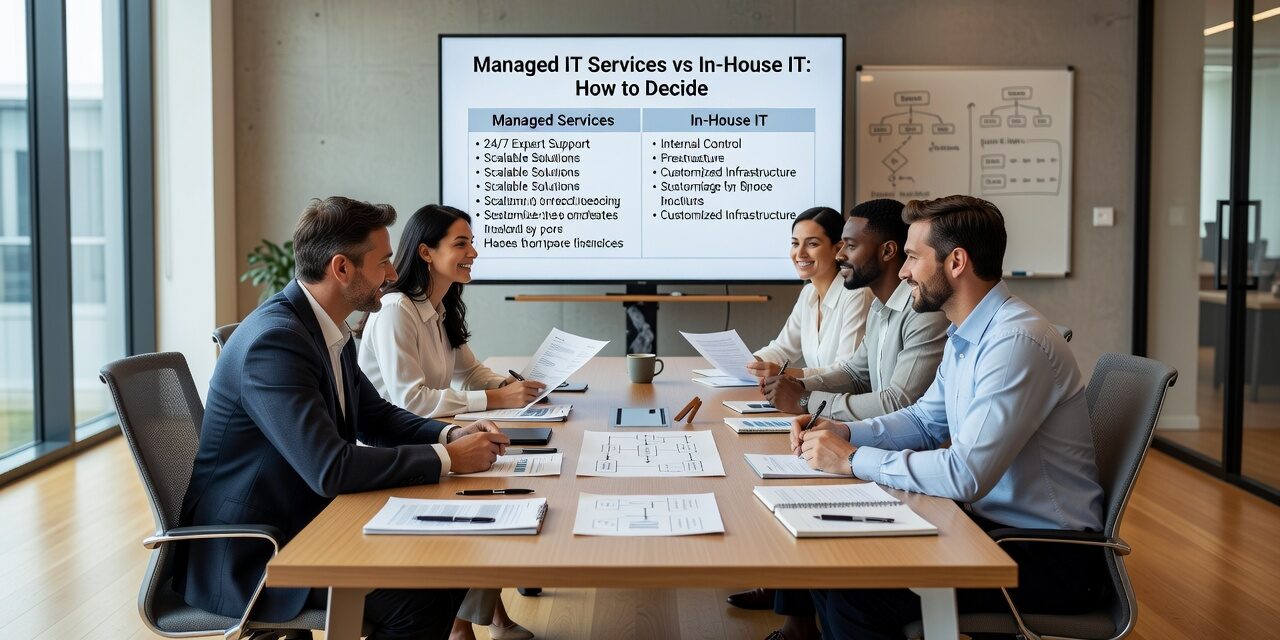
Choosing between managed IT services vs in-house IT is one of those decisions that looks simple on the surface but gets complicated fast. Most business owners don’t make a deliberate choice—they default to one model and stick with it until something goes wrong. By then, the cost of staying with the wrong setup is already showing up in downtime, staff frustration, or security gaps.
Here’s a practical breakdown of how both models actually work, where each one fits, and how to tell when it’s time to reconsider your current arrangement.
What Each Model Actually Looks Like in Practice
An in-house IT person or team means you employ someone directly. They sit in your office, know your systems, and handle issues as they come up. For some businesses, that’s the right call. A 200-person company with complex custom software and regulatory requirements may genuinely need a full-time IT director on staff.
But for most small and mid-sized businesses, the in-house model creates a quiet problem: one person can’t cover everything. When your IT person is out sick, on vacation, or simply overwhelmed, tickets pile up. If they leave the company, institutional knowledge walks out the door with them. And if a security incident or server failure happens at 11 PM on a Friday, you’re hoping they answer the phone.
Managed IT services means outsourcing your IT support to a provider who monitors your systems, handles help desk requests, manages your network and security, and gives you access to a full team rather than a single individual. You pay a predictable monthly fee and get a defined scope of coverage.
This isn’t the right fit for every business either. But for organizations that depend heavily on technology and don’t have the budget or need for a full internal IT department, managed IT typically delivers broader coverage at a more predictable cost.
The Hidden Costs of the In-House Model
Salary is the obvious cost. But when you hire an in-house IT person, you’re also covering benefits, training, paid time off, and the real cost of any coverage gaps when they’re unavailable.
Beyond that, there’s a skill coverage problem that rarely gets discussed. A single IT generalist is expected to handle network issues, cloud administration, cybersecurity, help desk tickets, hardware procurement, and compliance questions—all at once. That’s an unrealistic expectation, and most of the time it means certain areas get neglected.
A common example: a small professional services firm relies on one internal IT person who spends most of his time resetting passwords and fixing printer issues. Nobody has reviewed the backup configuration in over a year. When a file server fails, the team discovers the backups weren’t running correctly for months. The recovery takes two days. That’s not an edge case—it’s a predictable outcome when one person is stretched too thin.
The skill gap often shows up in security. Cybersecurity requires ongoing attention: patch management, monitoring, policy reviews, user access audits. An overloaded IT generalist tends to deprioritize this work in favor of day-to-day fires. Managed IT providers build these functions into the service by default.
What Managed IT Services Typically Cover
The scope varies by provider, but a solid managed IT arrangement usually includes:
- Proactive monitoring — systems are watched around the clock, not just when someone calls to report a problem
- Help desk support — employees get a real response channel with defined response times
- Patch and update management — operating systems, software, and firmware stay current without manual intervention
- Security tools and oversight — antivirus, endpoint protection, email filtering, and policy enforcement
- Backup and recovery management — backups are configured, tested, and verified on a regular schedule
- Strategic IT planning — periodic reviews to align your technology with where the business is heading
The last point is one businesses frequently overlook. An in-house IT person focused on day-to-day support rarely has bandwidth for forward-looking planning. A managed provider with a dedicated team can separate the two functions—reactive support and strategic guidance—so neither gets ignored.
A Common Mistake: Treating the Decision as Permanent
Many business owners assume their IT support model is something they set once and revisit only when a crisis forces the issue. That’s a mistake.
The right model for your business at 15 employees may not be the right model at 50. A company that opens a second location suddenly needs consistent IT support across two offices. A business that moves to a cloud-first model needs different expertise than one running everything on local servers.
Leadership should review the IT support arrangement at least once a year. A few questions worth asking:
- Are recurring IT issues getting resolved, or do the same problems keep coming back?
- How long does it typically take for employees to get help when something breaks?
- Is someone actively monitoring your systems for security threats, or are you waiting for a problem to surface?
- If your IT person left tomorrow, how long would it take to restore normal operations?
If the honest answers to those questions are uncomfortable, that’s useful information.
How to Decide Which Model Fits Your Business
There’s no universal answer, but here are a few practical indicators:
In-house IT tends to work well when:
- You have 100+ employees with complex, specialized systems
- You need someone embedded in daily operations and strategic decisions
- You have budget to hire, retain, and continue training a skilled IT professional
Managed IT tends to work well when:
- You have under 100 employees and technology isn’t your core business
- You need reliable support without the cost or risk of depending on one person
- You’ve experienced recurring downtime, slow help desk response, or gaps in security coverage
- You’re growing and need IT support to scale without hiring ahead of demand
Some businesses land in the middle. A co-managed IT arrangement pairs an internal IT person with an outside provider—the in-house person handles day-to-day needs and internal relationships, while the managed provider covers monitoring, security, and after-hours support. This model works well for companies that have outgrown a single IT person but aren’t ready to build a full department.
If your business is based in the Dallas or Austin area and you’re weighing these options, managed IT support for growing businesses is worth exploring as a starting point for understanding what full-service coverage actually looks like.
What This Means for Your Business
The managed IT services vs in-house IT question ultimately comes down to coverage, cost, and risk tolerance. In-house IT offers familiarity and direct control. Managed IT offers breadth, consistency, and predictable costs—without putting everything on one person’s shoulders.
Most small and mid-sized businesses aren’t choosing between two equally good options. They’re choosing between a model that fits their size and resources, and one they’ve outgrown or never quite fit into in the first place.
If you’re not sure which model you’re actually running—or whether it’s still working—TECHZN can help you take a clear-eyed look at your current setup. Reach out to talk through what IT support should look like for a business at your stage.






