




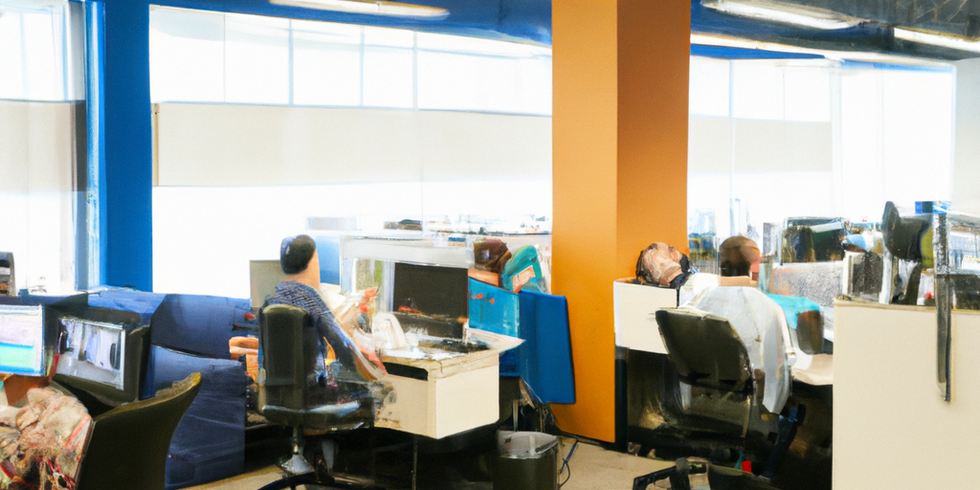
Growing businesses face a critical challenge: keeping IT systems reliable while scaling operations. An effective IT support checklist for growing businesses ensures your technology foundation can handle increased demands without compromising security or productivity.
Many expanding companies make the mistake of waiting until systems fail before addressing IT needs. This reactive approach leads to costly downtime, security vulnerabilities, and productivity losses that can derail growth momentum.
Assess Your Current IT Infrastructure First
Before implementing new solutions, conduct a comprehensive audit of your existing technology environment. Document all hardware, software, and network components to identify potential bottlenecks or security gaps.
Key areas to evaluate include:
- Hardware age and performance capacity
- Network bandwidth and reliability
- Software licensing and compatibility
- Current security measures and vulnerabilities
- Data backup and recovery capabilities
This assessment provides the baseline for building a scalable IT support strategy. Most growing businesses discover significant gaps in their current setup that could impact future expansion plans.
Build a Reliable Network Foundation
Your network infrastructure must support 2-3 times your current capacity to accommodate growth. Plan for increased bandwidth demands from additional employees, cloud applications, and video conferencing.
Essential network components include:
- High-speed internet with redundant connections
- Managed switches and routers with monitoring capabilities
- Secure wireless networks with enterprise-grade encryption
- VPN access for remote employees
- Network monitoring tools for proactive issue detection
A robust network foundation prevents the connectivity issues that plague many scaling businesses. Budget approximately 25-50 Mbps per employee to handle modern productivity demands including cloud applications and video collaboration.
Implement Comprehensive Cybersecurity Measures
Growing businesses become increasingly attractive targets for cybercriminals. A security breach can cost small to medium businesses an average of $200,000 in losses, making cybersecurity your highest IT priority.
Essential Security Components
Perimeter protection:
- Next-generation firewalls with intrusion detection
- Email security with anti-phishing capabilities
- Web filtering and content control
Endpoint security:
- Advanced antivirus and anti-malware protection
- Device encryption for laptops and mobile devices
- Patch management for operating systems and applications
Access controls:
- Multi-factor authentication for all business applications
- Role-based access permissions
- Regular access reviews and user deprovisioning
Employee training remains crucial since human error causes approximately 95% of successful cyber attacks. Implement ongoing security awareness programs to help staff identify and avoid threats.
Establish Proactive Monitoring and Maintenance
Reactive IT support creates unnecessary downtime and emergency expenses. Proactive monitoring identifies potential issues before they impact business operations.
Critical monitoring areas:
- Server performance and capacity utilization
- Network traffic patterns and bandwidth usage
- Security event logs and threat detection
- Hardware health and failure predictions
- Software performance and error rates
Regular maintenance schedules should include system updates, security patches, and performance optimization. Businesses with proactive maintenance experience 60% less unplanned downtime compared to those using reactive approaches.
Create Scalable Help Desk Support
As your team grows, so does the volume of IT support requests. Implement structured help desk processes to maintain service quality while handling increased demand.
Help desk essentials include:
- Ticketing system for request tracking and prioritization
- Clear service level agreements (SLAs) for response times
- Knowledge base for common issues and solutions
- Remote support capabilities for faster resolution
- User satisfaction tracking and continuous improvement
Consider whether internal staff can handle growing support volumes or if outsourced IT support options provide better scalability and expertise.
Standardize Technology Tools and Platforms
Standardization reduces complexity, improves security, and lowers support costs. Avoid the common mistake of allowing different departments to choose their own technology solutions without coordination.
Focus on standardizing:
- Operating systems and software applications
- Email and collaboration platforms (Microsoft 365, Google Workspace)
- Device types and configurations
- Cloud storage and file sharing solutions
- Communication and video conferencing tools
Standardized environments are easier to secure, support, and scale. Companies with standardized IT environments reduce support costs by 30-40% compared to those with diverse, unmanaged technology stacks.
Plan for Data Backup and Disaster Recovery
Data loss can be catastrophic for growing businesses. Implement comprehensive backup strategies that protect against hardware failures, cyber attacks, and natural disasters.
Backup strategy components:
- Daily automated backups of critical business data
- Regular testing of backup integrity and restoration processes
- Offsite or cloud storage for disaster protection
- Clear recovery time objectives (RTO) and recovery point objectives (RPO)
- Documented disaster recovery procedures
The 3-2-1 backup rule remains the gold standard: maintain 3 copies of important data, store 2 locally on different media, and keep 1 offsite.
Future-Proof Your IT Investment
Growing businesses must balance current needs with future scalability. Make technology decisions that support 3-5 year growth projections without requiring complete infrastructure overhauls.
Future-proofing considerations:
- Cloud-first strategies for easier scaling
- Flexible licensing models that grow with your business
- Integration capabilities for future software additions
- Vendor relationships that support long-term partnerships
- Regular technology refresh cycles to maintain performance
Cloud adoption enables rapid scaling without significant capital investments in hardware. Most successful growing businesses adopt hybrid cloud strategies that combine on-premises control with cloud flexibility.
What This Means for Your Business
Implementing a comprehensive IT support checklist for growing businesses transforms technology from a potential obstacle into a competitive advantage. Proactive planning prevents the costly disruptions that derail many scaling companies.
Key benefits include:
- Reduced unplanned downtime and emergency IT expenses
- Improved security posture protecting against costly breaches
- Scalable infrastructure that grows with your business
- Enhanced productivity through reliable, standardized systems
- Better budget predictability with proactive maintenance
The right IT support strategy ensures technology enhances rather than limits your growth potential. By following this checklist, you create a foundation for sustainable business expansion while maintaining operational efficiency and security.
Ready to implement a comprehensive IT support strategy for your growing business? Contact TECHZN today to discuss how our experienced team can help you build a technology foundation that scales with your success.






