




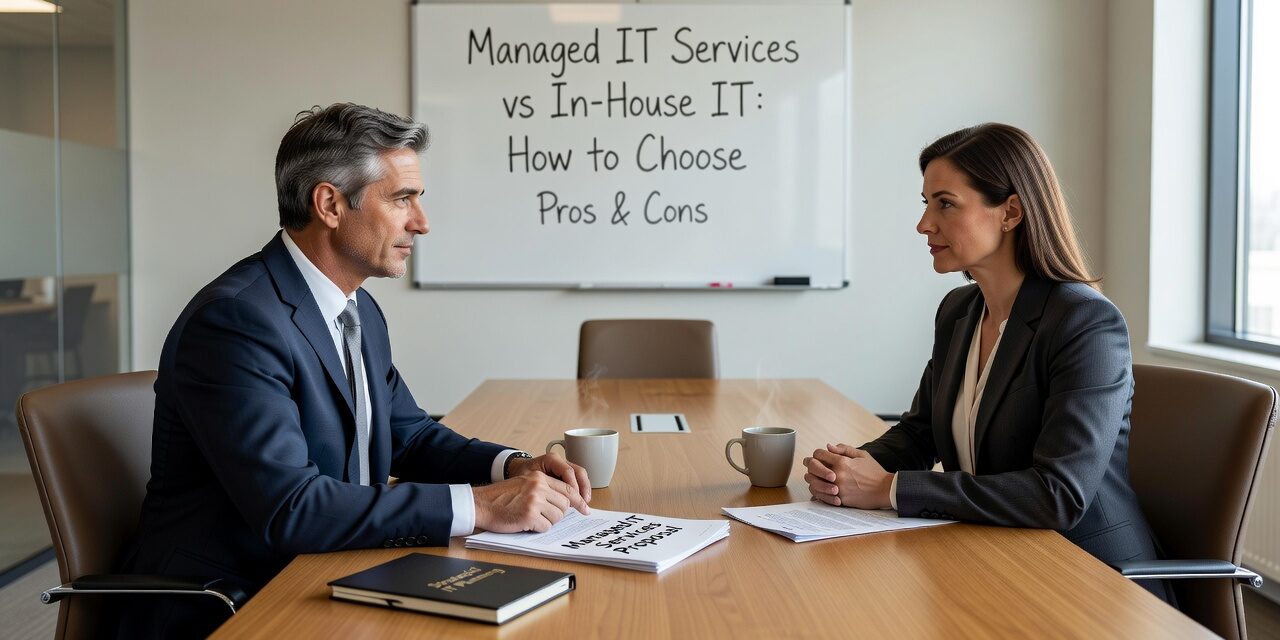
Deciding between managed IT services vs in-house IT is one of the more consequential decisions a growing business can make—and it rarely gets the structured thinking it deserves. Most companies drift into one model or the other, then spend years dealing with the gaps.
This guide is designed to help business owners, operations managers, and leadership teams think through that decision clearly, without vendor spin.
What Each Model Actually Looks Like Day-to-Day
In-house IT means you employ one or more people whose primary job is managing your technology. That could be a single IT generalist handling everything from printer jams to network security, or a small team with defined roles.
Managed IT services means you contract with a third-party provider—an MSP—to handle some or all of your IT operations. Depending on the agreement, that includes monitoring, help desk support, security, backups, vendor management, and strategic planning.
There is also a third model worth naming: co-managed IT, where an internal IT person or team works alongside an MSP. Each party handles defined responsibilities, with clear escalation paths between them. This model is growing among mid-sized businesses that have some IT staff but not enough coverage for everything they need.
The Real Costs Most Businesses Undercount
The salary comparison between an in-house hire and an MSP contract is usually where this analysis starts—and where it often goes wrong.
A single IT hire in a mid-sized market typically runs $55,000 to $85,000 per year in salary alone, before benefits, training, PTO coverage, and turnover costs. That person will also have limits: one individual cannot realistically cover cybersecurity, network infrastructure, cloud administration, help desk support, and strategic planning at a high level simultaneously.
MSP contracts vary widely, but a flat monthly fee tends to include a team of specialists rather than one generalist. The coverage is broader, and the cost is more predictable. That said, MSP pricing is not always straightforward—watch for contracts that charge per device, per user, or that exclude certain support categories, which can make the real monthly cost harder to compare at first glance.
The less obvious cost on the in-house side is what happens when your IT person is unavailable. Staff get stuck. Tickets pile up. A server issue that starts on a Friday afternoon turns into a Monday morning crisis.
Common Mistakes Businesses Make When Choosing
One of the most frequent missteps is treating the IT decision as primarily a cost question rather than a risk and capability question.
A business that handles sensitive client data, operates across multiple locations, or runs on systems that can’t afford extended downtime has different requirements than a five-person office that mostly uses email and a shared drive. Cost matters, but capability gaps in the wrong areas create real exposure.
Another common blind spot: assuming an in-house hire eliminates dependence on outside vendors. In practice, most IT environments still require vendor relationships—internet providers, software vendors, hardware suppliers, cloud platforms. Managing all of that falls on your IT staff, which takes time away from internal support.
A third mistake is underestimating onboarding and offboarding. When a staff member joins or leaves, the IT checklist—accounts, permissions, devices, application access, email setup—is longer than most managers expect. Without a defined process, things get missed. A former employee’s access credentials left active for weeks after departure is a security problem that shows up regularly in businesses without consistent IT processes.
How to Think Through the Decision for Your Business
There is no universal right answer. But here are a few factors that point clearly in one direction or the other:
In-house IT tends to work better when:
- You have complex, proprietary systems that require deep institutional knowledge
- You have regulatory requirements that demand a dedicated internal resource
- Your IT team is large enough that specialization is possible (typically 3+ staff)
- You have the budget and HR infrastructure to manage, develop, and backfill technical talent
Managed IT services tend to work better when:
- You have fewer than 100 employees and need broader coverage than one person can provide
- You’ve had recurring IT problems—slow resolution times, repeated outages, security gaps—that suggest your current setup isn’t keeping up
- You want predictable monthly IT costs rather than unpredictable project and emergency spending
- You need help desk coverage outside business hours or across multiple locations
Co-managed IT is worth considering when:
- You have one or two internal IT staff who are stretched thin
- Your internal team handles day-to-day support well but lacks depth in areas like cybersecurity or cloud infrastructure
- You’ve grown through acquisitions or expansion and have inconsistent setups across locations
If your current IT situation involves someone whose primary job is *not* IT—an office manager, a technically minded employee who “handles IT stuff on the side”—that’s a signal worth taking seriously. It usually means IT is being managed reactively, and planning, documentation, and security are falling through the cracks. For businesses in that situation, exploring outsourced IT support options is worth a direct conversation.
Signs Your Current Model Isn’t Working
Regardless of which model you use now, there are non-technical indicators that your IT setup has stopped serving the business well:
- The same problems keep coming back. Wi-Fi issues, login failures, slow systems—if your team is rebooting and waiting instead of working, that’s a pattern, not bad luck.
- You don’t hear about IT problems until they’re urgent. Good IT support surfaces issues before they affect staff. If you’re always finding out after the fact, the monitoring and reporting aren’t there.
- Onboarding new employees takes longer than it should. A two-week wait for a laptop and full application access is not unusual in under-resourced IT environments—but it is a real productivity and morale cost.
- You don’t have a clear answer to basic questions. What happens if your server fails tonight? Who calls whom? Where is the backup? If those questions don’t have documented answers, the planning work hasn’t been done.
For growing businesses operating across Dallas and Austin, these gaps tend to surface faster as the team scales. Multi-location setups in particular need consistent infrastructure, documentation, and support coverage—things that are hard to maintain when IT is handled informally.
What This Means for Your Business
The managed IT services vs in-house IT decision isn’t just about who fixes your computers. It’s about whether your technology setup can support where your business is going—not just where it is today.
If your current IT model leaves gaps in coverage, security, or planning, those gaps tend to compound over time. The good time to review it is before a significant disruption forces the issue.
TECHZN provides managed IT support for growing businesses across the Dallas and Austin area. If you’re evaluating your options or trying to make sense of what your business actually needs from IT, we’re glad to have a practical, no-pressure conversation.






