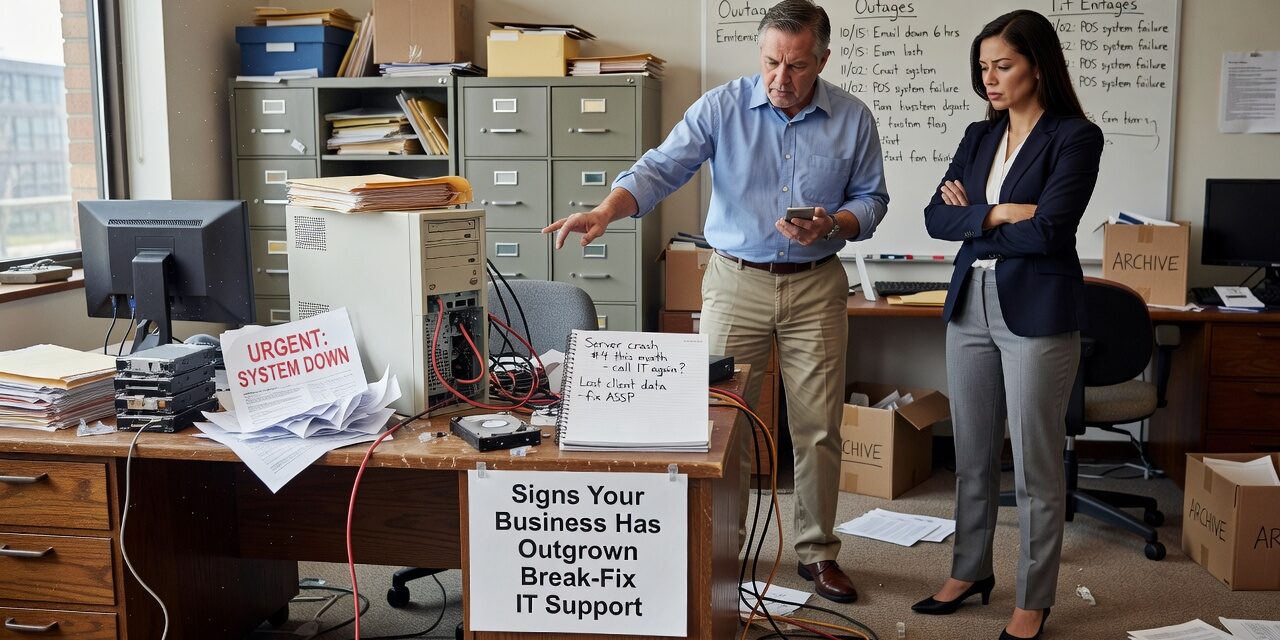
At some point, calling someone to fix a problem after it breaks stops being a reasonable way to run your technology. For a lot of small businesses, break-fix IT support works fine early on—you have one or two people, a handful of computers, and issues are rare enough that paying someone hourly makes sense. But as a business grows, the cracks start to show. Recognizing the signs your business has outgrown break-fix IT support is the first step toward making a better decision before the next outage forces your hand.
What Break-Fix IT Support Actually Looks Like in Practice
Break-fix is exactly what it sounds like: something breaks, you call someone, they fix it, you pay them for their time. There’s no ongoing relationship, no monitoring, no planning. Your IT vendor has no stake in preventing problems—they only get paid when things go wrong.
For a single-location business with five employees and basic software, this arrangement can work. But consider what happens when you’re running 25 staff members across two offices, using Microsoft 365 for email and file storage, processing client payments, and relying on a VPN for remote access. A network failure in that environment doesn’t cost you an afternoon—it can cost you hours of lost productivity across your entire team, missed deadlines, and frustrated clients who can’t reach you.
Break-fix support responds to that situation. It doesn’t prevent it.
The Operational Warning Signs Worth Paying Attention To
Most businesses don’t realize they’ve outgrown break-fix until they’re already dealing with the consequences. Here are the patterns that signal it’s time to reassess.
Recurring issues that never fully get resolved. If your team is submitting the same type of tickets every few weeks—slow network speeds, a printer that keeps dropping offline, Microsoft 365 login problems—that’s a red flag. A reactive support model fixes the symptom, not the root cause. The problem comes back, you pay again, and nothing actually changes.
Your IT costs are unpredictable month to month. One month you spend nothing on IT. The next month a server goes down and you’re looking at an emergency repair bill. For businesses trying to manage cash flow and operational budgets, this variability is a real problem. It makes IT feel like a cost you can’t plan for rather than a function you can manage.
Staff productivity is quietly suffering. This one is easy to underestimate. When employees hit IT issues and can’t get fast help, they either work around the problem (which creates other risks) or sit idle waiting for a callback. Neither is acceptable when the scale of your team means those lost hours multiply quickly across your organization.
You’ve added complexity without adding support. This is probably the most common blind spot. A business adds a second location, moves to the cloud, onboards 10 new staff members, or switches phone systems—and assumes their existing IT arrangement can absorb it. It usually can’t. The technical environment has grown; the support model hasn’t.
Security is an afterthought, not a process. Break-fix vendors fix things. They typically don’t audit your Microsoft 365 configuration for misconfigurations, monitor for unusual login activity, or make sure your backups are actually recoverable. If your business handles any kind of client data, financial records, or proprietary information, leaving security to chance is a meaningful risk.
A Common Mistake: Waiting for a Major Incident to Trigger the Conversation
One of the most avoidable situations in business IT is this: a company stays on break-fix support until a serious event—a ransomware infection, a data loss incident, or a full server failure—finally forces a change. By that point, the cost of the incident often dwarfs what a year of managed support would have cost.
The mistake isn’t using break-fix when it made sense. The mistake is not revisiting that decision as the business grew. Leadership teams often inherit IT arrangements from the early days of the company and simply don’t think to question them until something goes wrong. A better habit is to treat your IT support model the same way you’d treat any other operational process—something that should be reviewed as your needs change.
It’s also worth noting: a major outage during a busy period doesn’t just cost you IT repair time. It costs you billable hours, sales calls, employee time, and sometimes client trust. Those downstream costs rarely show up in any IT budget line.
How to Decide If It’s Actually Time to Make a Change
Not every business needs to move to a fully managed IT model right away. But if several of the following apply to your situation, it’s worth having a serious conversation with an IT provider about what a different arrangement would look like.
- You have more than 10 to 15 employees who depend on technology daily
- You’re running two or more locations
- You’re using cloud platforms like Microsoft 365 and don’t have anyone internally responsible for configuration and security
- You’ve had the same unresolved IT issue come back more than twice
- You don’t have a documented backup and recovery plan
- Your current IT vendor doesn’t check in proactively—you only hear from them when something breaks
- You’ve had a security scare—a phishing attempt, a suspicious login, an employee clicking a bad link
If you’re checking three or more of those boxes, break-fix support is likely costing you more than you realize—in time, risk, and operational friction.
For businesses in Texas considering their options, exploring managed IT support for growing businesses is a practical starting point. A managed model shifts IT from reactive firefighting to a defined, ongoing process—with predictable costs, proactive monitoring, and someone who understands your environment before a problem starts.
What This Means for Your Business
Break-fix IT support isn’t inherently bad—it’s just designed for a different stage of business. When your technology environment is simple and stable, reactive support is a reasonable choice. When your operations depend on reliable networks, cloud platforms, multi-user systems, and consistent security, it becomes a liability.
The decision isn’t about switching vendors for its own sake. It’s about recognizing when your current IT arrangement no longer matches the way your business actually runs.
If you’re not sure where you stand, TECHZN works with small and midsize businesses across Dallas and Austin to assess their current IT setup and identify gaps. There’s no pressure—just a practical conversation about whether what you have today is built for where you’re headed. Reach out to TECHZN to start that conversation.