




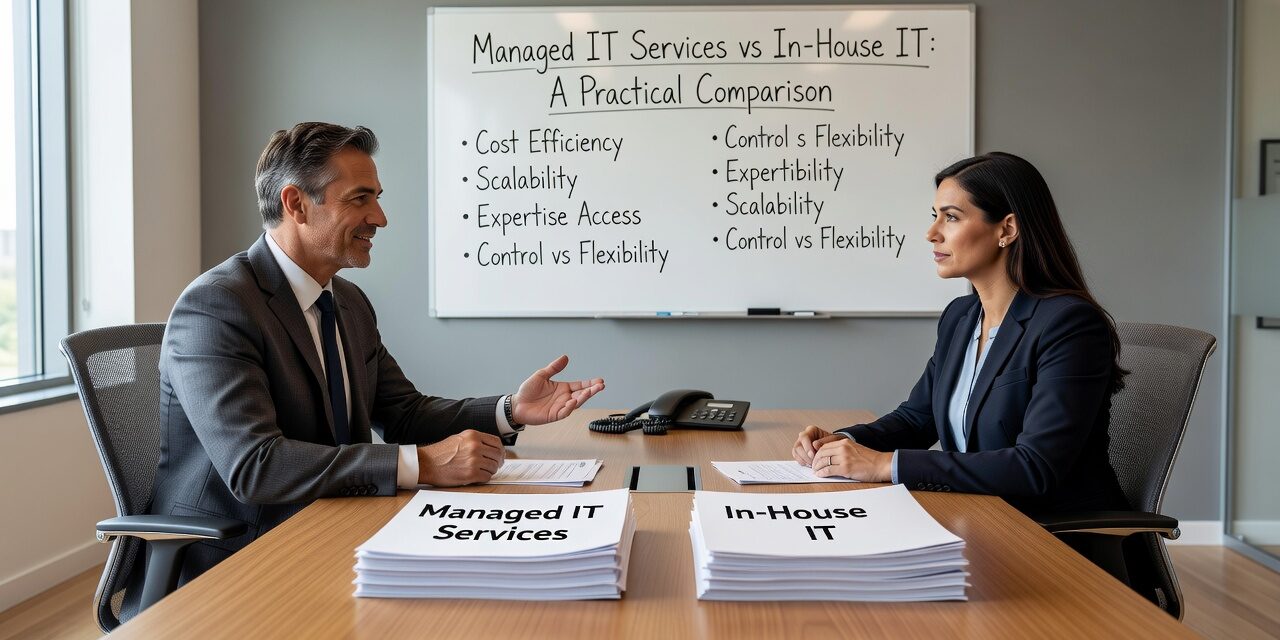
Deciding between managed IT services vs in-house IT is one of the more consequential decisions a growing company will make — and it rarely gets the careful analysis it deserves. Most businesses default to whatever feels familiar, then deal with the consequences later. This article breaks down both options clearly, so you can make a decision based on your actual situation.
What You’re Really Comparing
On the surface, the choice seems simple: hire your own IT staff or pay a provider to handle it. But the real comparison is more nuanced than headcount vs. monthly fee.
An in-house IT employee (or small team) is always present, knows your office layout and staff personally, and can build institutional knowledge over time. That has genuine value. But one person — or even two — can only cover so much. When your IT generalist is out sick, on vacation, or just swamped, things fall through the cracks. A Microsoft 365 issue that shuts down your finance team doesn’t wait for Monday morning.
A managed IT provider brings a team with defined processes, monitoring tools, and coverage hours that a single employee can’t match. But the quality varies widely, and a poorly run MSP can feel just as reactive and frustrating as no IT support at all.
The Hidden Costs of In-House IT
This is where many growing companies get caught off guard. Salary is the obvious cost. The less obvious ones add up fast.
Benefits, PTO, and turnover are real line items. When a skilled IT person leaves — and they often do when they feel limited by a small environment — you face a gap that can last weeks or months. During that time, someone else is handling support requests badly, or nobody is.
There’s also the capability ceiling. A generalist IT hire can manage day-to-day support, but may not have deep experience in network security, cloud architecture, compliance requirements, or disaster recovery planning. When a problem falls outside their wheelhouse, they either guess or escalate to a vendor — and you’re paying for both.
Consider a concrete example: a 40-person professional services firm with one IT person. When their backup system failed quietly over three months, nobody noticed until they needed to restore a file. The IT employee had never configured a proper backup monitoring alert. That’s not incompetence — it’s the natural limit of what one person can track across an entire environment.
What Managed IT Gets Right (and Where It Falls Short)
A well-run managed IT provider handles monitoring, patching, help desk tickets, and security updates as part of a structured service. Your staff gets faster responses. Issues get flagged before they become outages. You have a team rather than a person.
The practical advantages show up in scenarios like these:
- Multi-location offices: When your Dallas and Austin locations are both experiencing network issues on the same afternoon, a single in-house employee can only be in one place. A managed provider can address both simultaneously.
- Staff onboarding and offboarding: When someone joins or leaves, access provisioning and account deactivation should happen the same day. A managed team with documented processes handles this reliably. A solo IT person with a backlog may not.
- After-hours incidents: A server issue at 7pm on a Friday isn’t a rare event. With a managed provider, there’s a defined escalation path. With one in-house hire, you’re calling their cell phone and hoping.
Where managed IT falls short is usually in on-site presence and business familiarity. A remote help desk that doesn’t know your office setup, your critical software vendors, or your team’s quirks will take longer to solve certain problems. The best providers close this gap with regular check-ins and a dedicated account contact — but not all of them do.
A Common Mistake: Treating This as All-or-Nothing
Many companies assume they have to choose one or the other completely. That’s not true, and forcing the choice often leads to a bad outcome in both directions.
Co-managed IT is the middle path. You keep an internal IT person (or small team) for on-site presence and institutional knowledge, and you layer in a managed provider for monitoring, security, help desk overflow, and specialized projects. The internal person handles what they’re best at. The external team handles scale and depth.
This model works especially well for companies that have grown past 50 employees but can’t justify — or can’t recruit — a full internal IT team. It also reduces the single-point-of-failure problem that comes with relying entirely on one employee.
The mistake to avoid here: not clearly defining who owns what. If your internal IT person and your managed provider both think the other one is handling backups, nobody is handling backups. Before any co-managed arrangement goes live, get the responsibility split in writing.
Practical Decision Criteria
Here’s a straightforward way to think through the decision:
In-house IT tends to make more sense when:
- You have highly specialized, proprietary systems that require deep on-site expertise
- Your industry has unusual compliance needs that require dedicated internal ownership
- You’re large enough to support a full team (typically 100+ employees with complex environments)
Managed IT tends to make more sense when:
- You’re growing faster than your internal IT capacity can keep up with
- You’ve had recurring outages, unresolved tickets, or backup failures that keep coming back
- Your current IT situation depends entirely on one person’s availability and knowledge
- You need predictable IT costs without the overhead of full-time staff
Co-managed IT makes sense when:
- You have an internal IT person you want to keep, but they’re stretched too thin
- You need after-hours coverage and specialized skills your internal team doesn’t have
- You want accountability and documentation without fully replacing your existing setup
If you’re evaluating outsourced IT support options for your Dallas or Austin operation, it’s worth having an honest conversation about what your current IT coverage actually looks like — not what it’s supposed to look like on paper.
What This Means for Your Business
The managed IT services vs in-house IT debate doesn’t have a universal right answer, but it does have a right answer for your situation. The key is being honest about what your current setup is actually delivering: response times, issue resolution, proactive monitoring, and coverage when something goes wrong at the wrong moment.
If your IT support is mostly reactive, if the same problems keep coming back, or if your business has grown past what one person can reasonably manage — those are signals worth taking seriously before the next incident forces the decision for you.
TECHZN works with growing businesses in Dallas and Austin to build IT support structures that match how they actually operate. If you’re trying to figure out the right model for your team, reach out to discuss your IT support strategy — no pitch, just a practical conversation.






