




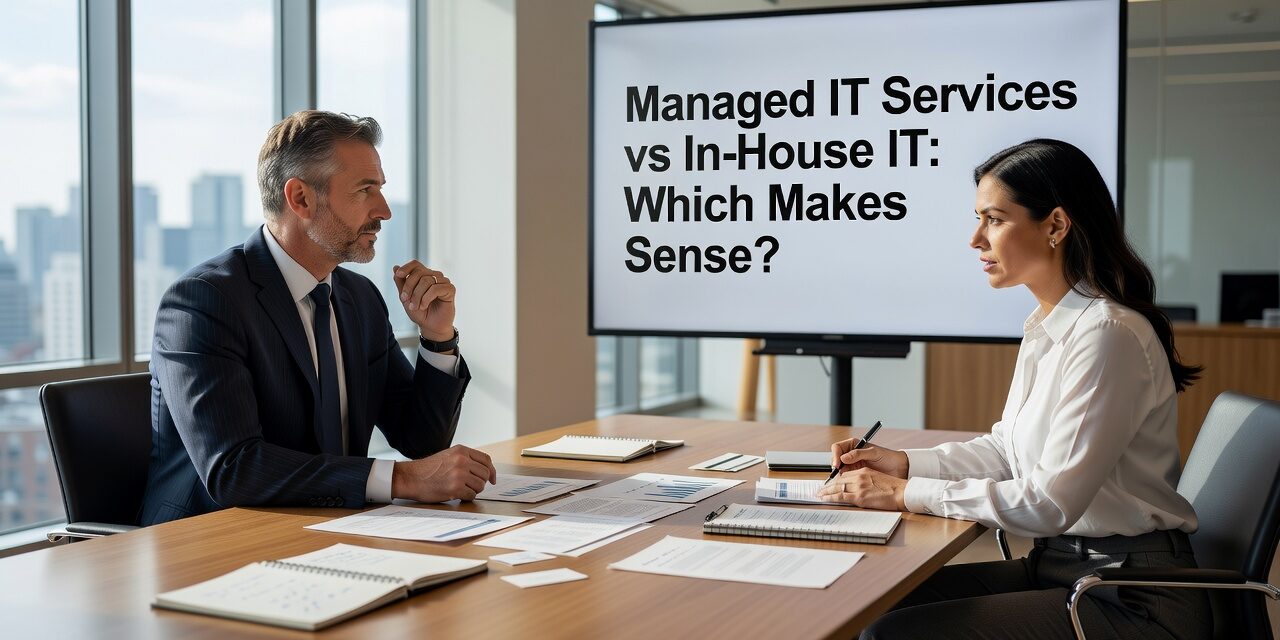
Choosing between managed IT services vs in-house IT is one of those decisions that looks straightforward on paper but gets complicated fast once you factor in your actual headcount, growth plans, and the specific ways technology affects your day-to-day operations. There is no universal right answer, but there are clear patterns that point most growing businesses in one direction or the other.
Here is what to actually weigh before making the call.
What In-House IT Actually Costs — Beyond the Salary
Most business owners start by comparing the cost of a managed IT contract against the salary of a full-time IT hire. That comparison almost always underestimates what in-house IT really costs.
A single internal IT hire typically handles helpdesk tickets, network issues, software updates, vendor calls, and security patches — all at once. When that person is sick, on vacation, or leaves the company, your entire support structure pauses. If a server goes down at 7 p.m. on a Thursday, you are either paying overtime or waiting until morning.
Beyond salary, factor in benefits, payroll taxes, training, certifications, and the tools they need to do the job. Then factor in the expertise gaps. One person cannot reasonably be an expert in cybersecurity, Microsoft 365 administration, backup systems, and network infrastructure all at the same time. Businesses that rely on a single IT generalist often discover those gaps only when something goes wrong.
A common scenario: A company with 40 employees hires one IT coordinator. Things run fine for a year. Then a ransomware attack hits, and they realize their backup system had not been tested in months — and their IT coordinator had no experience in incident response. The recovery took four days and cost far more than a managed contract would have.
What the Managed IT Model Actually Provides
With a managed IT services model, you are not buying a person — you are buying a team and a process. That distinction matters.
A capable managed IT provider assigns you access to specialists across different areas: network engineers, security analysts, Microsoft 365 administrators, and helpdesk technicians. When your email goes down, a specialist handles it. When your firewall needs a configuration change, a network engineer makes that call — not the same person who just finished resetting a user password.
Managed providers also operate on defined service level agreements. You should know, in writing, how fast a critical issue gets escalated versus a low-priority request. If your provider cannot answer that question clearly, that is worth noting before you sign anything.
For multi-location businesses, this model tends to work especially well. Managing consistent network configurations, user accounts, and security policies across two or three offices is hard to do well with a small internal team. A managed provider handles that uniformly, across all locations, without you needing to coordinate between sites yourself.
The Managed IT vs In-House IT Decision: Practical Signals
There are a few situations where in-house IT makes sense: large organizations with complex, proprietary systems that require dedicated staff; heavily regulated industries with specialized compliance needs; or companies large enough to build a full internal IT department with clear specialization.
For most small and mid-sized businesses, the signals point toward outsourced support:
- You have recurring IT problems that get patched but keep coming back — usually a sign of reactive support without a root cause process behind it.
- Your IT person is the only person who knows how systems are configured. If they leave, you are starting over.
- Growth is outpacing your current setup. Adding headcount, new locations, or new software without a proactive IT strategy creates compounding problems.
- You are not sure your backups actually work. This is more common than it should be. Backups that have never been tested are not backups — they are assumptions.
- Cybersecurity is handled informally. If your security plan is “we have antivirus and we tell people not to click suspicious links,” that is not a plan.
The Co-Managed Option: Worth Knowing About
Some businesses are not choosing between fully outsourced or fully in-house — they already have internal IT staff and want external support layered on top. That is co-managed IT, and it is a model that often makes sense for companies with 75 to 200 employees.
In a co-managed arrangement, your internal IT person handles day-to-day tickets and relationships with staff. The external provider handles security monitoring, backup management, compliance checks, and the specialized work your internal hire does not have bandwidth or expertise for. This removes the single-point-of-failure problem without eliminating the internal IT role your team is used to.
If you already have someone internal who is good at what they do but stretched thin, co-managed IT can extend their capacity without replacing them.
A Common Mistake to Avoid
One of the most consistent mistakes businesses make is waiting until something breaks before evaluating their IT model. By then, the decision is being made under pressure, without time to properly vet providers or plan a transition.
Another mistake: choosing a managed provider based on price alone, without asking what the service level agreement actually covers. A low monthly cost often means slower response times, limited after-hours support, or exclusions for major issues. Before signing, ask specifically: what happens if our server fails at 9 p.m.? What is covered under this agreement and what is billed separately?
If you are evaluating outsourced IT support options for your business, those questions should be on your list before any conversation gets to contract terms.
What This Means for Your Business
The managed IT services vs in-house IT question comes down to this: what level of coverage, consistency, and expertise does your business actually need — and what is the realistic cost of a gap?
For most growing businesses, a managed or co-managed IT model provides broader coverage, faster response, and more predictable costs than building internal IT from scratch. That does not mean it is right for every situation, but it is worth running the numbers honestly — including the cost of downtime, turnover, and the security risks that come with reactive-only support.
TECHZN works with businesses across Dallas and Austin that are trying to make exactly this decision. If you want a straightforward conversation about what your current setup is missing and what a managed model would actually look like for your team, reach out to TECHZN to get started.






