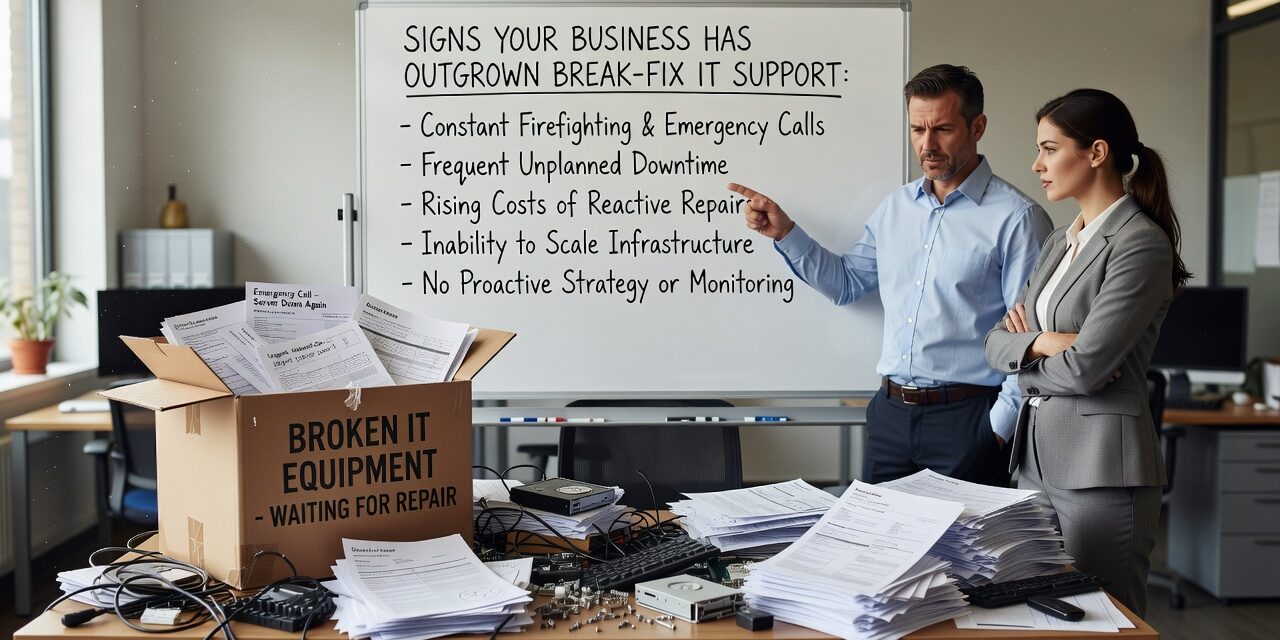
If your IT situation mostly works until something breaks — and then you scramble to find someone to fix it — you’re running on a break-fix model. For a small team with basic needs, that might have been fine. But as your business grows, that reactive approach tends to quietly create more problems than it solves.
Knowing the signs your business has outgrown break-fix IT support can help you decide whether your current setup is still a reasonable choice or a liability you’ve been tolerating.
What Break-Fix IT Actually Looks Like Day to Day
Break-fix support means you call someone when something stops working. There’s no ongoing relationship, no monitoring, and no plan. You pay per incident or per hour, and the goal is to get the system running again — not to understand why it failed or prevent it from happening again.
This works when your technology needs are simple and static. It stops working well when you have more staff, more systems, more locations, or more data to protect.
The clearest early warning sign: the same problems keep coming back. A server that reboots randomly. A staff member whose laptop crashes under load. A printer that goes offline every few weeks. If you’re calling your IT contact for the same issue more than once, that’s not a support problem — it’s a pattern that reactive support isn’t designed to address.
Recurring Downtime Is Costing More Than You Think
One of the most common blind spots in break-fix arrangements is how downtime is tracked — or rather, how it isn’t.
Consider a five-person team that loses two hours of productive work because a file server goes down mid-morning. The IT bill for the fix might be $150. But the actual cost includes staff time lost, any missed deadlines, and the stress of working around the problem. Do that a handful of times in a quarter and the real number is far higher than what shows up on any invoice.
Break-fix billing also creates unpredictable expenses. A month with no incidents costs nothing. A month with a server failure, a ransomware scare, and a network outage could run into thousands of dollars — without warning. For a CFO or operations manager trying to plan around a budget, that unpredictability is its own problem.
Proactive IT support doesn’t eliminate every issue, but it catches many problems before they cause downtime. Patch management, hardware monitoring, and scheduled maintenance aren’t exciting — but they’re what prevents the 2 PM phone call that shuts down your office.
Your Team Has Grown Beyond What Reactive Support Can Handle
Break-fix works reasonably well when you have a small, stable setup. When your team expands, the gaps multiply fast.
Think about what happens when you onboard a new employee. Someone needs to set up their laptop, create their Microsoft 365 account, configure their email, add them to the right shared drives, and make sure they have access to the tools they need — but not the ones they don’t. In a well-run IT environment, that process follows a documented checklist and takes a predictable amount of time.
In a break-fix arrangement, onboarding is improvised. Accounts get created inconsistently. Old employee credentials sometimes linger. Security settings vary from machine to machine. Nobody owns the process, so nobody catches the gaps.
The same problem shows up during an office move, a software migration, or when a team switches to a new phone system. Without someone managing the transition proactively, those projects tend to run over schedule and create support calls for weeks afterward.
Another sign that’s easy to overlook: your staff has started working around IT problems rather than reporting them. If people are using personal Google accounts to share files because the company file server is slow, or using their personal phones for work calls because the office system is unreliable, that’s not resourcefulness — it’s a signal that IT support isn’t keeping up.
You Have No Visibility Into What’s Actually Running
One of the clearest signs a business has outgrown break-fix support is when nobody can confidently answer basic questions about their own IT environment.
Questions like:
- How old is the server running your accounting software?
- When were your backups last tested?
- Which staff members have admin access to your systems?
- What happens to your data if your office becomes inaccessible for a week?
If those questions don’t have clear answers, that’s not just an IT problem — it’s a business continuity and security risk.
A backup that was never tested is not a backup. A server that’s four years past its expected lifespan is a failure waiting for the wrong moment to happen. Without ongoing documentation and monitoring, businesses often discover these gaps at the worst possible time — during an incident, not before it.
Proactive IT support includes maintaining an accurate inventory of your systems, testing backups regularly, and flagging hardware that’s approaching end of life before it becomes a crisis. Break-fix arrangements, by design, don’t include any of that.
When It’s Time to Have a Serious Conversation About IT Strategy
Not every business needs a large internal IT team or an enterprise-grade support contract. But there’s a practical threshold most growing companies eventually cross.
Some clear indicators that it’s time to reassess:
- You’ve had more than two or three significant IT disruptions in the past year that affected staff productivity or client-facing work.
- You’re running on aging hardware or software with no plan or timeline for replacement.
- Cybersecurity is handled reactively — no MFA enforcement, no security training, no incident response plan.
- Your IT vendor doesn’t know your environment well enough to give you an honest assessment of where the risks are.
- You’re planning significant growth — more staff, a new location, or a shift to more remote work — and your current setup wasn’t built to scale.
If two or more of those apply, the question isn’t whether your IT model needs to change. It’s how soon and in what direction.
For businesses evaluating more structured support, it’s worth understanding what a managed IT services agreement actually includes — particularly around response time commitments, proactive monitoring, and how cybersecurity responsibilities are handled. If you’re located in the Dallas or Austin area, managed IT support for growing businesses is worth exploring as a structured alternative to reactive support.
What This Means for Your Business
Break-fix IT isn’t inherently bad. It’s just a model that tends to stop fitting once a business grows past a certain point. The recurring problems, unpredictable costs, onboarding gaps, and lack of visibility that come with reactive support are manageable when stakes are low. They become real operational risks when your team, your data, and your client commitments depend on technology working consistently.
If you recognize several of the signs above, it’s a good time to take stock of what your current IT arrangement actually covers — and what it doesn’t.
TECHZN works with growing businesses in Dallas and Austin to assess their current IT environment and build a support structure that matches where the business is headed. If you’d like a straightforward conversation about what that looks like, reach out to our team to get started.