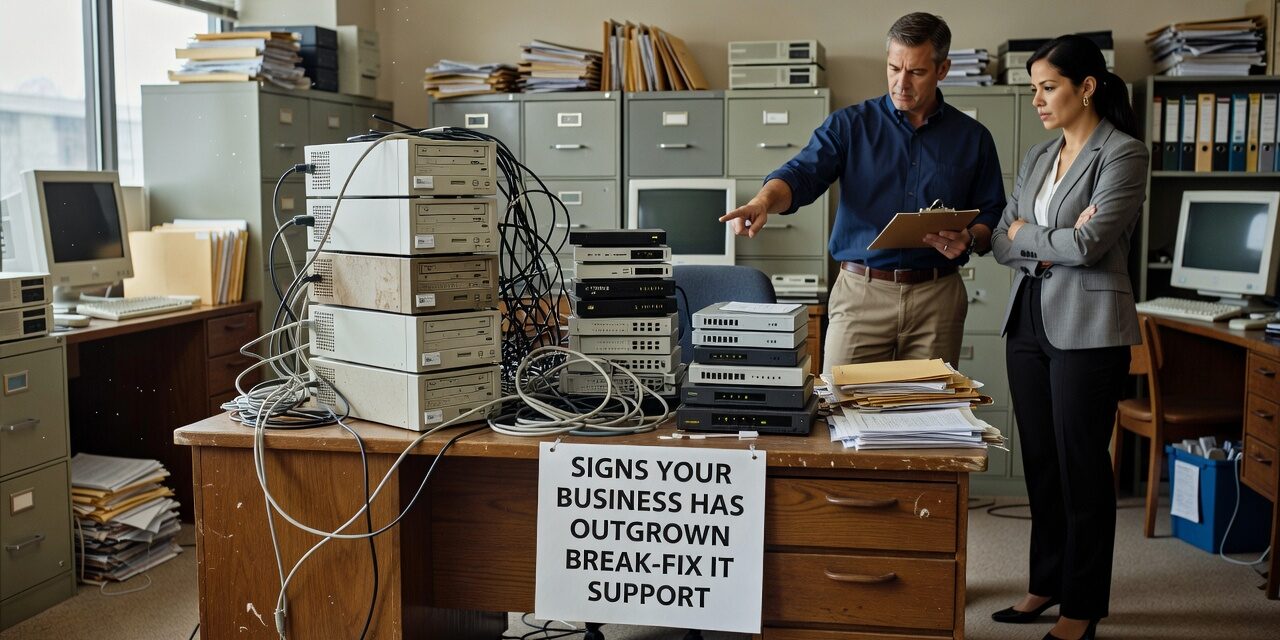
At some point, calling an IT person only when something breaks stops being a reasonable strategy. If your team is losing hours to recurring problems, waiting days for fixes, or discovering issues after they’ve already caused damage, those are signs your business has outgrown break-fix IT support — and the cost of staying with it is higher than most people realize.
Break-fix worked fine when your team was small, your tools were simple, and a slow computer was the worst thing that could happen. That’s not most businesses anymore.
What Break-Fix IT Support Actually Means
Break-fix is exactly what it sounds like: something breaks, you call someone, they fix it, you pay. There’s no ongoing relationship, no monitoring, no proactive maintenance. You’re reactive by design.
For very small offices with minimal tech dependencies, that can work. But as soon as your business relies on email, cloud software, remote access, or shared file storage to get work done, break-fix leaves a large gap between what you need and what you have.
The problem isn’t just response time. It’s that no one is watching your environment, no one is tracking patterns, and no one is accountable for preventing problems in the first place.
The Operational Signs That Something Has Shifted
Most business owners don’t notice they’ve outgrown break-fix support in one moment. It’s gradual. Here’s what it typically looks like:
Recurring issues that never fully go away. The same printer, the same connection drop, the same Microsoft 365 login problem — fixed once, back again two weeks later. When the same problems keep showing up, it usually means the root cause was never addressed. A break-fix technician solves the symptom and moves on. There’s no incentive to dig deeper.
Staff losing time waiting for IT. When employees work around problems instead of reporting them — rebooting twice before a meeting, avoiding a particular application, sharing workarounds over Slack — that’s a productivity leak. It’s also a sign that getting IT help feels slow or frustrating enough that people stop trying.
No visibility into what’s actually running. Under a break-fix model, no one reviews your network health, your backup status, your software patch levels, or your security exposure until something goes wrong. A backup that silently fails for three months isn’t discovered until someone needs to restore a file. By then, the damage is done.
IT costs that spike unpredictably. One month you spend nothing. The next, a server issue costs you several thousand dollars in emergency support and lost productivity. Break-fix bills are unpredictable, and they tend to be highest exactly when your business can least afford disruption.
A Common Mistake: Waiting for a Crisis
The most common mistake businesses make with break-fix support is staying with it until a significant failure forces a change. A ransomware attack, a major data loss event, or a prolonged outage finally prompts the shift. But by that point, the damage has already been done — and the cost of the transition is higher than it would have been a year earlier.
Smaller warning signs usually come first. A staff member can’t access a shared drive for half a day. A backup hasn’t completed successfully in weeks, but no one knew. A departing employee’s account stays active because no one managed offboarding. These aren’t catastrophic on their own, but they reflect a broader lack of oversight that compounds over time.
The businesses most likely to catch these gaps early are the ones with a consistent IT presence — someone reviewing systems regularly, not just responding to tickets.
When Your Business Complexity Has Passed Your IT Model
Growth changes your IT requirements, often faster than people expect. Adding a second location, moving to remote or hybrid work, onboarding more staff, or adopting new software all increase the number of things that can go wrong — and the number of people affected when they do.
Consider what a single internet outage means at five employees versus twenty-five. Or what happens when a Microsoft 365 misconfiguration locks out half your team on a Monday morning with no one available to escalate it quickly. The same type of problem carries a much higher cost at scale.
If your business has reached the point where IT problems affect multiple people, multiple workflows, or multiple locations, the break-fix model is working against you.
Practical questions to ask yourself:
- Do the same IT problems keep coming back?
- Is your team losing more than a few hours per month to IT-related delays?
- Do you know whether your backups are working right now?
- Could you recover your systems if you lost access to them tomorrow?
- Do you have a clear picture of what software, accounts, and devices your business is running?
If most of those answers are uncertain, that’s a signal worth taking seriously.
What the Alternative Actually Looks Like
Moving away from break-fix doesn’t mean handing over control. It means shifting from reactive to proactive — having a team that monitors your environment, patches systems before vulnerabilities are exploited, catches backup failures before you need a restore, and gives your staff a reliable way to get help without long delays.
For growing businesses in the Dallas and Austin area, the practical version of this is working with a managed IT support provider who takes ongoing responsibility for your environment. That includes regular maintenance, security monitoring, help desk access, and a point of contact who already knows your setup when something does go wrong.
For businesses that already have someone internal handling IT, co-managed IT support for your internal team can fill the gaps without replacing what’s already working.
What This Means for Your Business
Break-fix IT support isn’t inherently bad — it just has a ceiling. When your operations, headcount, or technology stack has grown past that ceiling, the model stops protecting you and starts costing you more than you’re saving.
The clearest signs are recurring problems, unpredictable costs, no visibility into your systems, and staff who’ve quietly learned to work around IT rather than through it. If any of those sound familiar, it’s worth having a direct conversation about what your IT support should actually look like at your current size.
TECHZN works with small and mid-sized businesses across Dallas and Austin that have outgrown their current IT setup and need a more consistent, accountable approach. If you’re not sure where your gaps are, we can help you figure that out — no pressure, no jargon. Reach out to start a conversation.