




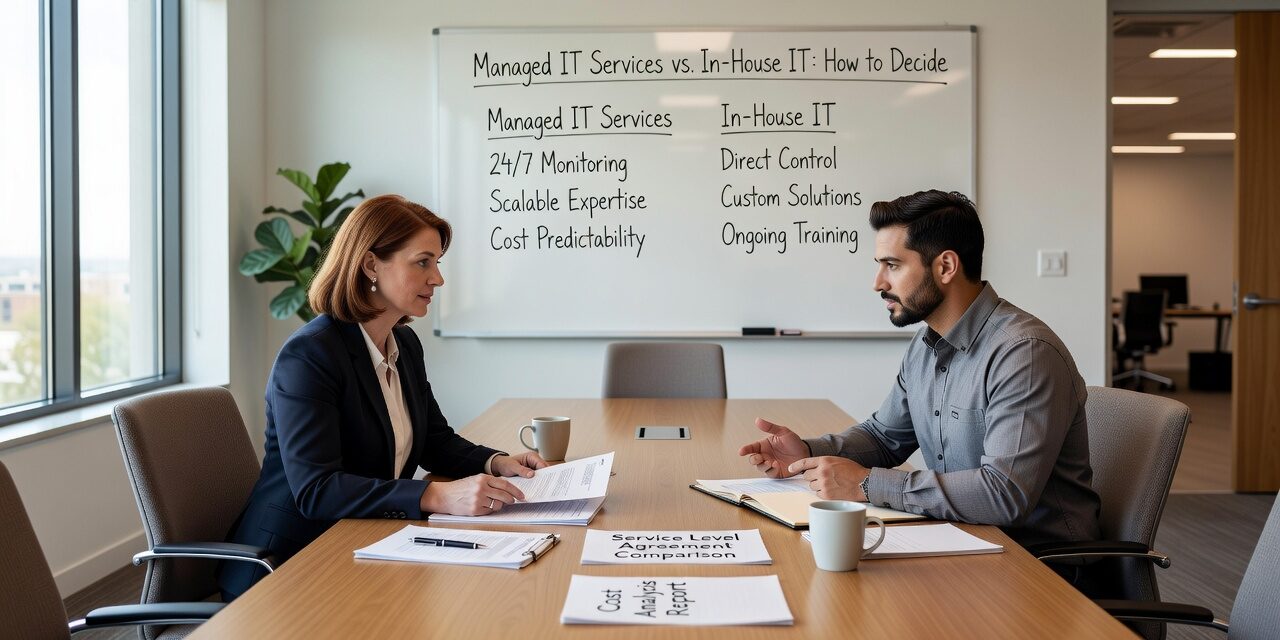
At some point, most growing businesses hit a wall with their current IT setup. Maybe the one person handling IT is overwhelmed. Maybe you’re paying for outside support on an as-needed basis and it’s becoming unpredictable. Or maybe you’re considering hiring someone full-time but aren’t sure if that actually solves the problem. The managed IT services vs. in-house IT question comes up constantly for operations managers and business owners, and the answer isn’t always obvious.
This article breaks down the real operational differences, common mistakes businesses make when choosing, and how to think through the decision based on what your business actually needs.
What In-House IT Actually Costs
Hiring an internal IT person feels straightforward: one salary, one point of contact, someone who knows your office. But the full picture is more complicated.
A single IT employee typically costs between $55,000 and $90,000 annually in salary alone, before benefits, payroll taxes, training, and equipment. More importantly, one person has a fixed set of skills. If your business needs network support, Microsoft 365 administration, cybersecurity monitoring, and end-user help desk—all at the same time—one generalist IT hire will eventually be stretched thin.
The coverage gap is the bigger issue. When your IT person is out sick, on vacation, or leaves the company, support stops. If a server fails on a Friday afternoon or your VPN goes down before a Monday morning client call, you’re waiting.
For businesses with 10 to 75 employees, a single in-house hire often creates a false sense of coverage. You have someone, but you don’t have a system.
What Managed IT Services Actually Provides
Managed IT is a monthly service model where an external provider handles your IT infrastructure, monitoring, support, and planning on an ongoing basis. Unlike break-fix support—where you call someone after something breaks and pay per incident—managed IT is proactive.
In practice, this means:
- 24/7 monitoring of your servers, network, and endpoints so problems are caught before they cause downtime
- A help desk that your staff can reach without routing everything through one overloaded person
- Patch management and updates handled on a schedule, not when someone remembers
- Security monitoring that doesn’t stop at 5 PM
- Documented systems and processes that survive staff turnover
For a business with multiple locations, this matters even more. One office losing internet connectivity shouldn’t require someone to drive across town to reset a router. Managed IT providers can often resolve network issues remotely or have a technician dispatched without the business owner having to coordinate it.
The Most Common Mistake: Waiting Too Long
The most consistent mistake businesses make in this decision is staying with an inadequate setup for too long—usually because switching feels like a disruption.
Here’s what that delay looks like in practice: A 35-person professional services firm is using a local break-fix IT vendor. Calls are slow to get returned. A ransomware incident last year took four days to recover from because backups weren’t configured correctly. The office manager is spending six to eight hours a week troubleshooting basic IT issues because the vendor isn’t responsive enough. The business is losing productive hours every week, but because no one is tracking it, it doesn’t show up as a line item.
That’s a real cost. It just doesn’t look like one until someone adds it up.
Signs you’ve likely outgrown your current setup:
- The same IT problems keep coming back without a root cause fix
- Staff regularly work around IT issues instead of reporting them
- No one is monitoring your systems outside of business hours
- Your backups have never actually been tested
- A single IT person is the only one who knows how your systems work
When In-House IT Still Makes Sense
In-house IT isn’t always the wrong answer. For some businesses, it’s the right foundation—especially when paired with outside support.
If your business is large enough to justify a dedicated IT department of two or more people with different specializations, internal staff can be effective. Some industries also benefit from having an IT person on-site full time who understands the specific workflows, hardware, and compliance requirements of that environment.
There’s also a middle option worth understanding: co-managed IT. This model works well for businesses that already have one internal IT person but need deeper resources—security expertise, after-hours coverage, a help desk, or project support for a migration or office move. Rather than replacing your internal person, a managed provider fills the gaps and works alongside them. This is increasingly common for 50- to 150-person companies that aren’t ready for a full internal IT team but have outgrown purely outsourced support.
If you’re evaluating outsourced IT support options for your business, it’s worth asking providers whether they offer a co-managed model before assuming it’s an all-or-nothing decision.
How to Make the Decision Without Overcomplicating It
Start with three practical questions:
1. What does a bad IT week actually cost you? Count the hours your team loses to IT issues in a typical month. Include slow response times, workarounds, and problems that come back repeatedly. If you can quantify that, you can compare it against the cost of a managed service contract more accurately than most businesses do.
2. Do you have coverage outside business hours? If your network, servers, or cloud services go down after 6 PM and you have no one monitoring them, you’re exposed. This isn’t hypothetical—most ransomware attacks happen outside business hours specifically because defenders aren’t watching.
3. Is your current IT setup documented? If the person handling your IT left tomorrow, would you know where your passwords are, how your backups work, what software licenses you’re paying for, and how to restore your systems? If not, you have a single point of failure—and that’s a business risk, not just an IT problem.
These questions help frame the decision around operational reality, not just monthly costs.
What This Means for Your Business
The managed IT services vs. in-house IT decision isn’t really a technology question—it’s an operational one. It comes down to coverage, expertise, reliability, and what your business can realistically sustain.
For most small to mid-size businesses, a managed service model provides better coverage at a more predictable cost than a single hire or a reactive break-fix arrangement. That said, the right answer depends on your size, your industry, and how your current IT setup is actually performing.
If your team is dealing with recurring issues, slow support, or gaps in after-hours coverage, TECHZN works with growing businesses in the Dallas and Austin areas to build IT support structures that fit how they actually operate. Reach out to our team to talk through what your business needs before making a decision either way.






