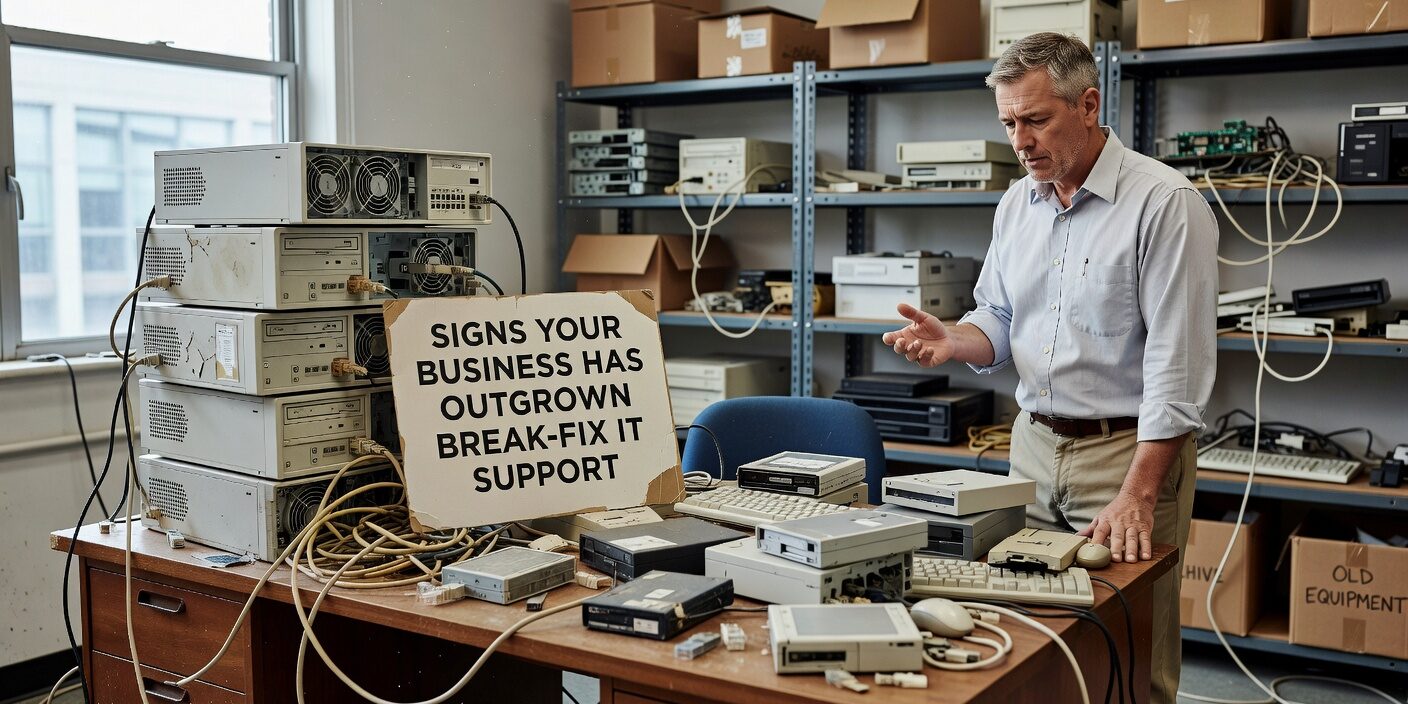
When your business was smaller, calling for IT help only when something broke probably made perfect sense. But as you’ve grown, you may be noticing that signs your business has outgrown break fix it support are becoming harder to ignore. Reactive IT support that worked for five employees can become a liability when you’re managing twenty, and those “emergency” repair bills are starting to impact your bottom line.
Recognizing these warning signs early helps business leaders make informed decisions about their technology support before problems become crises.
Your IT Problems Have Become Predictable
One of the clearest indicators that break-fix support isn’t working anymore is when technology issues stop being isolated incidents and start forming patterns.
Weekly disruptions mean your current support model can’t keep up. If employees regularly deal with:
• Slow networks that interrupt work flow • The same printer or email problems returning every month • Systems that crash during busy periods • Software glitches that require repeated fixes
These recurring issues signal that underlying problems aren’t being addressed—only the symptoms. Your business needs proactive monitoring and maintenance rather than reactive repairs.
Downtime during critical hours becomes especially costly as you grow. When a server crash or network outage stops your entire team from serving customers, the financial impact extends far beyond the repair bill.
IT Costs Are Impossible to Budget
Break-fix billing creates financial unpredictability that becomes problematic for growing businesses.
You might go months with minimal IT expenses, then face a massive invoice when your server fails or you need emergency virus removal. These cost spikes make it difficult to:
• Plan annual technology budgets accurately • Maintain consistent cash flow • Justify IT investments to stakeholders • Compare the true cost of your current support
After-hours emergency fees compound the problem. When critical systems fail outside business hours, you’re often paying premium rates for urgent repairs that could have been prevented with regular maintenance.
Predictable monthly IT costs become essential as your business scales and financial planning becomes more sophisticated.
Your Success Depends on One IT Person
The “IT hero” model—relying on a single internal employee or external technician—creates dangerous vulnerabilities as your business grows.
The Bus Factor Problem
Business leaders often worry about the “bus factor”: What happens if your IT person gets sick, takes vacation, or leaves the company? This dependency creates several risks:
• New employee setups get delayed when your IT person is unavailable • Critical issues sit unresolved until one person returns • Important system knowledge exists only in someone’s head • Your business operations can’t scale beyond one person’s capacity
Documentation and Process Gaps
When IT support relies on individual knowledge rather than documented processes, your business lacks:
• Clear procedures for common problems • Password management and system access protocols • Equipment inventory and warranty information • Disaster recovery plans that anyone can execute
Team-based support with proper documentation becomes necessary as your technology environment becomes more complex.
Security Is Reactive Instead of Proactive
As your business grows, basic antivirus software and reactive security measures become insufficient protection against evolving threats.
Limited Security Visibility
Break-fix support typically doesn’t include ongoing security monitoring. You might not know about:
• Attempted intrusions or suspicious network activity • Software vulnerabilities that need patching • Phishing attempts targeting your employees • Unauthorized access to sensitive data
Compliance and Client Requirements
Growing businesses often face new security requirements from:
• Industry regulations (HIPAA, PCI, GDPR) • Client security questionnaires • Insurance policy requirements • Vendor compliance audits
Meeting these requirements becomes difficult without documented security policies, regular vulnerability assessments, and evidence of protective controls.
Cybersecurity planning should align with your business goals rather than react to incidents after they occur.
Your Technology Infrastructure Feels Fragmented
As businesses add employees, locations, and systems, technology often gets “patched together” rather than strategically planned.
Signs of Infrastructure Strain
Your technology environment may need professional management if:
• Adding new systems often breaks existing ones • Different locations have incompatible technology setups • File sharing and collaboration tools don’t work seamlessly • Remote workers struggle with reliable access to company systems
Lack of Strategic Planning
Break-fix support focuses on immediate problems, not long-term technology alignment. Growing businesses need guidance on:
• Cloud migration strategies that support expansion • Software licensing optimization as teams grow • Network infrastructure that scales efficiently • Integration between business-critical applications
Technology roadmaps help align IT investments with business growth rather than making reactive decisions during crises.
Response Times Can’t Match Business Pace
As your business becomes more dependent on technology, slow response times create cascading productivity problems.
Service level expectations that worked for a smaller operation may not support current needs:
• Critical issues that shut down customer service for hours • Email or phone system problems during peak business periods • Backup failures discovered days or weeks later • No after-hours support for time-sensitive problems
Guaranteed response times with escalation procedures become essential when technology downtime directly impacts revenue and customer satisfaction.
You Need Backup and Recovery You Can Trust
Many businesses discover their backup systems aren’t reliable only when they need to restore data after a crisis.
Testing and Documentation Gaps
Effective disaster recovery requires more than just running backup software:
• Regular testing to ensure backups actually work • Recovery time objectives that align with business needs • Clear procedures that anyone can follow during an emergency • Offsite storage that protects against local disasters
Business Continuity Planning
Growing businesses need plans for continuing operations when technology fails:
• Which systems must be restored first to serve customers • How employees can work during extended outages • Communication procedures for keeping clients informed • Alternative processes for critical business functions
Tested recovery plans become critical as your business becomes more technology-dependent and has less tolerance for extended downtime.
What This Means for Your Business
Recognizing these warning signs helps you make proactive decisions about IT support before problems force reactive changes. Growing businesses typically need predictable costs, proactive monitoring, strategic planning, and reliable support teams rather than emergency-based repair services.
The right IT support strategy should reduce downtime, improve security, enable growth, and provide the operational efficiency that competitive businesses require. Business IT planning guidance helps align technology investments with your specific growth goals and industry requirements.
If your business recognizes several of these patterns, it may be time to evaluate how your current IT support measures against the reliability and strategic value that your operations now require.
Ready to explore IT support that grows with your business? Contact TECHZN to discuss how proactive IT management can improve operational efficiency and reduce the technology risks that are holding back your growth.