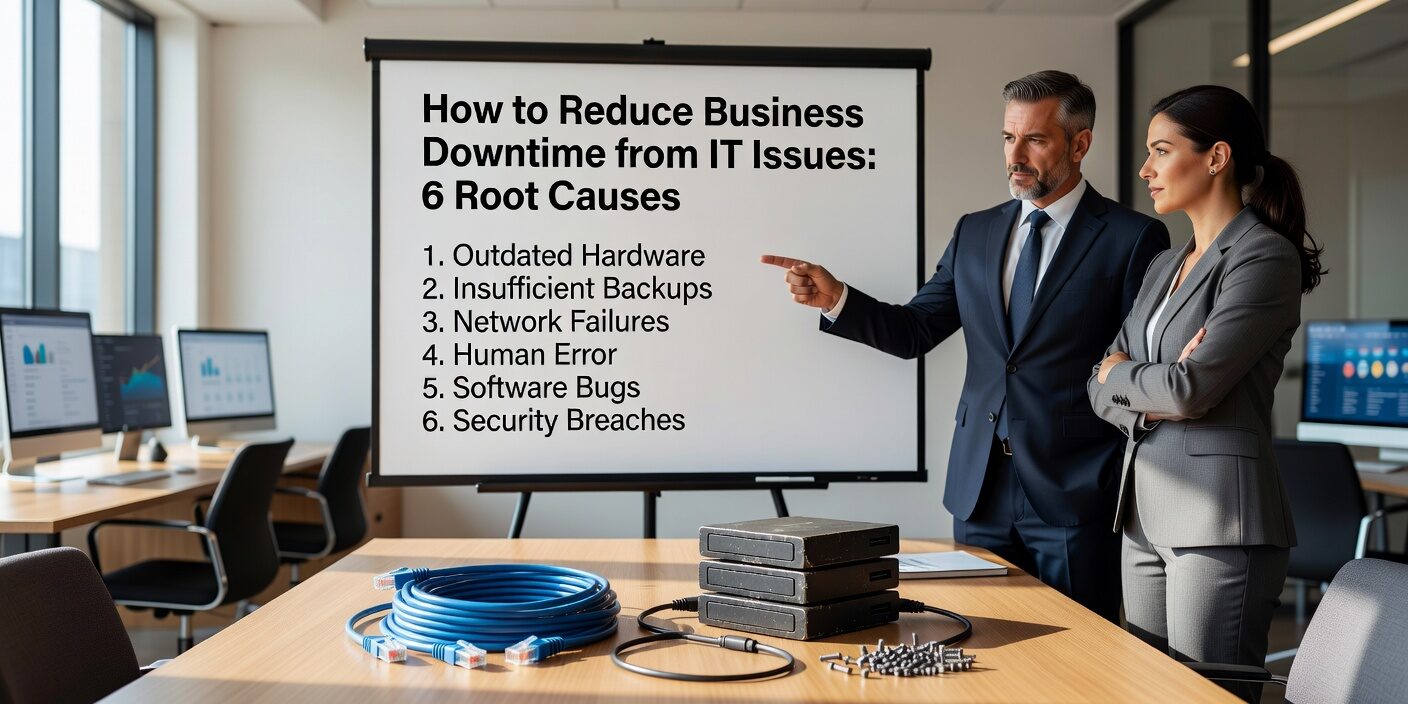
Understanding how to reduce business downtime from IT issues starts with knowing what actually causes most outages in the first place. For small and medium businesses, downtime isn’t just an inconvenience—it can cost thousands of dollars per hour in lost productivity, missed sales, and emergency support costs.
The good news? Most downtime is preventable when you understand the root causes and take proactive steps to address them. Here are the six most common culprits behind office IT outages and practical strategies to prevent them.
Human Error: The Most Preventable Cause
Human mistakes account for roughly 40% of major IT outages according to recent industry data. These aren’t necessarily complex technical errors—often they’re simple mistakes that cascade into bigger problems.
Common human error scenarios include:
- Accidentally deleting important files or folders
- Unplugging critical equipment during office moves or cleaning
- Misconfiguring software settings without understanding the impact
- Making changes to live systems without testing first
- Failing to follow established procedures during routine tasks
Prevention strategies:
- Create simple checklists for routine IT tasks like adding new users or updating software
- Implement a “no changes on Fridays” policy to avoid weekend emergencies
- Limit administrative access to only those who truly need it
- Require written approval for any changes affecting servers or network equipment
- Train staff on basic IT safety: when to call for help instead of troubleshooting themselves
Cybersecurity Incidents: The Fastest-Growing Threat
Cyberattacks now cause 36% of downtime incidents, with small businesses experiencing ransomware at more than double the rate of large enterprises. These attacks don’t just steal data—they often shut down entire networks while businesses scramble to recover.
Most damaging cyber incidents:
- Ransomware encrypting servers and file shares
- Phishing attacks that compromise email and cloud accounts
- Malware spreading through the network from infected endpoints
- Business email compromise leading to financial fraud
Essential protection measures:
- Enable multi-factor authentication on all business accounts, especially email and remote access
- Deploy business-grade security tools: endpoint protection, spam filtering, and DNS filtering
- Conduct quarterly phishing simulations and security awareness training
- Maintain offline or immutable backups that can’t be encrypted by ransomware
- Keep all systems patched with monthly update cycles
Hardware Failures: When Age Catches Up
Server crashes, storage failures, and network equipment breakdowns remain among the top causes of business downtime. The problem is often that small businesses run critical systems on aging hardware until it fails completely.
High-risk hardware scenarios:
- Servers older than five years supporting modern workloads
- Consumer-grade network equipment in business environments
- Single points of failure with no backup systems
- Hard drives showing warning signs that go unmonitored
Smart hardware management:
- Replace servers every 5 years and critical network gear on the same schedule
- Choose business-grade equipment with redundancy features when possible
- Monitor hardware health with tools that alert you to failing components
- Maintain vendor support contracts for critical equipment
- Keep basic spare parts on hand: network cables, power supplies, and switches
Software Problems: Updates Gone Wrong
Software issues cause significant downtime through buggy updates, compatibility problems, or systems running on outdated, unsupported versions. The challenge is balancing the need for security patches with stability concerns.
Common software downtime triggers:
- Windows updates that break line-of-business applications
- Outdated software that crashes under normal workloads
- Incompatible software versions causing integration failures
- Critical applications reaching end-of-life without replacement planning
Effective software management:
- Test major updates on non-production systems before company-wide deployment
- Standardize on supported software versions across the organization
- Schedule updates during low-usage hours with clear rollback procedures
- Stay informed about end-of-life dates for critical applications
- Maintain current backups before any significant software changes
Network and Connectivity Issues
Network problems have become the number one cause of downtime in many recent studies, reflecting how dependent businesses have become on reliable connectivity for cloud applications, VoIP phones, and remote work.
Frequent network disruptions:
- Internet service provider outages or line cuts
- Misconfigured firewalls blocking legitimate traffic
- Failing switches or wireless access points
- DNS or DHCP configuration errors preventing connections
Building network resilience:
- Implement redundant internet connections from different providers when feasible
- Use business-grade networking equipment with support contracts
- Document network configurations and maintain current network diagrams
- Set up monitoring and alerts for connectivity and performance issues
- Separate guest and internal networks to contain potential problems
Power and Environmental Factors
Power outages account for 25% of major IT disruptions, and the damage often extends beyond the initial outage when equipment fails due to power surges or improper shutdowns.
Power-related downtime causes:
- Sudden power loss causing data corruption or hardware damage
- Power surges damaging servers and networking equipment
- Extended outages that exhaust backup power systems
- Environmental factors like floods or storms making offices unusable
Power protection essentials:
- Install uninterruptible power supplies (UPS) for all critical equipment
- Configure automatic, graceful shutdowns for extended outages
- Use quality surge protectors throughout the office
- Develop a basic disaster recovery plan for working when the office is unavailable
- Consider cloud-hosted versions of critical applications for business continuity
What This Means for Your Business
The key insight here is that most IT downtime is preventable through proactive planning rather than reactive fixes. The businesses that experience the least downtime share common characteristics: they treat IT as an ongoing operational requirement, not just an expense to minimize.
Start with these high-impact steps:
- Audit your current systems for the most obvious risks: aging hardware, missing backups, weak passwords
- Create simple procedures for common tasks and train staff to follow them
- Implement basic monitoring so you can address problems before they cause outages
- Develop relationships with qualified IT support professionals who can help with prevention, not just emergency response
Remember, the goal isn’t to eliminate every possible risk—it’s to reduce the frequency and impact of downtime to levels that don’t disrupt your business operations or growth plans.
Ready to take a proactive approach to preventing IT downtime? Contact TECHZN today to schedule a comprehensive IT assessment and develop a customized downtime prevention strategy for your business.